Home » KVM Over IP Switches » 18.5″ 8 Port CAT5 LCD KVM over IP Switch 1-Local / 1-Remote Access
18.5″ 8 Port CAT5 LCD KVM over IP Switch 1-Local / 1-Remote Access
Model No.: HT2808
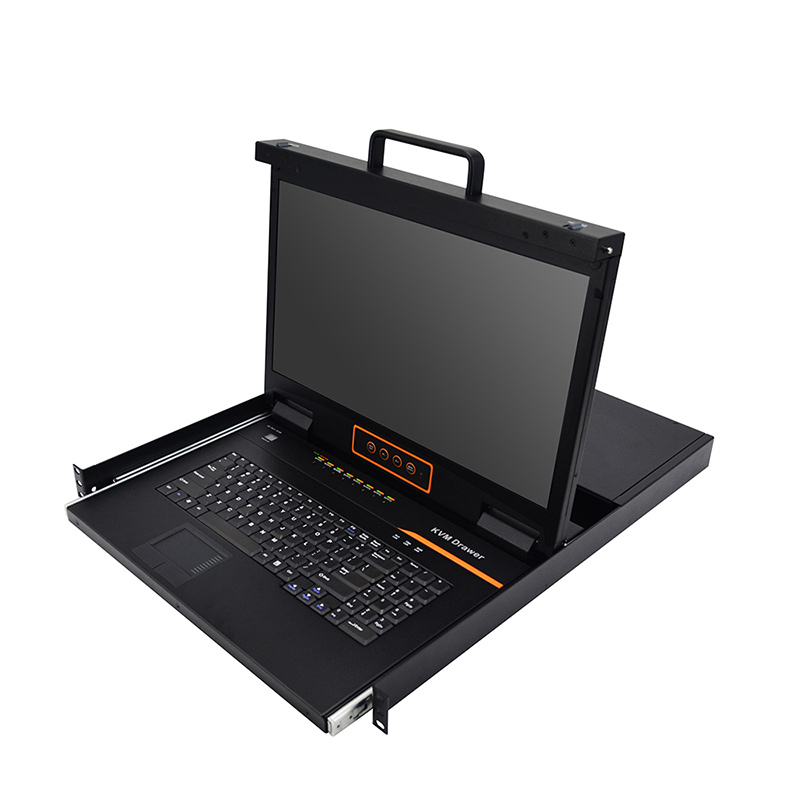
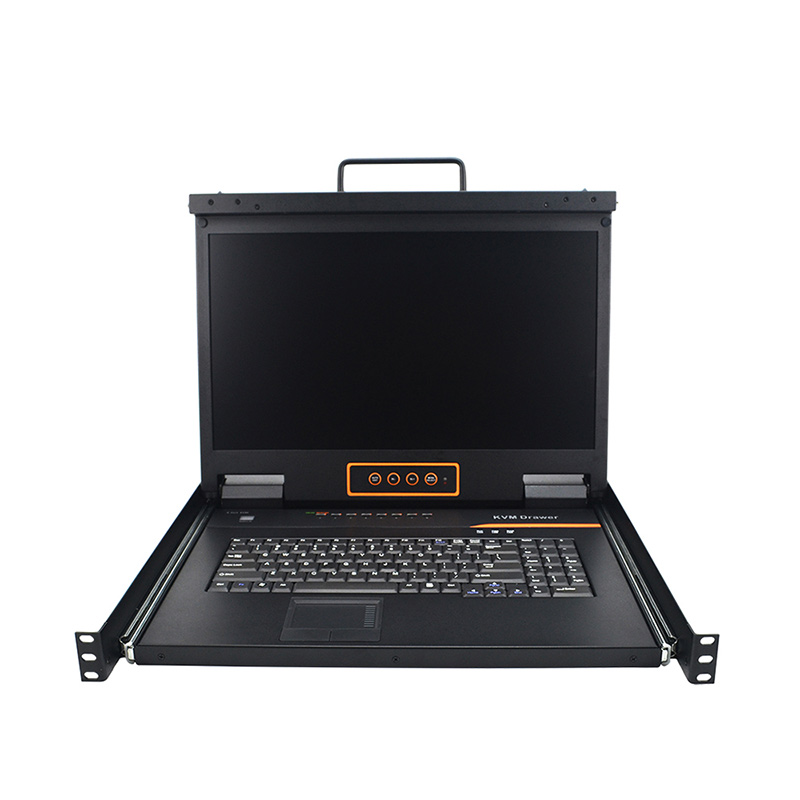
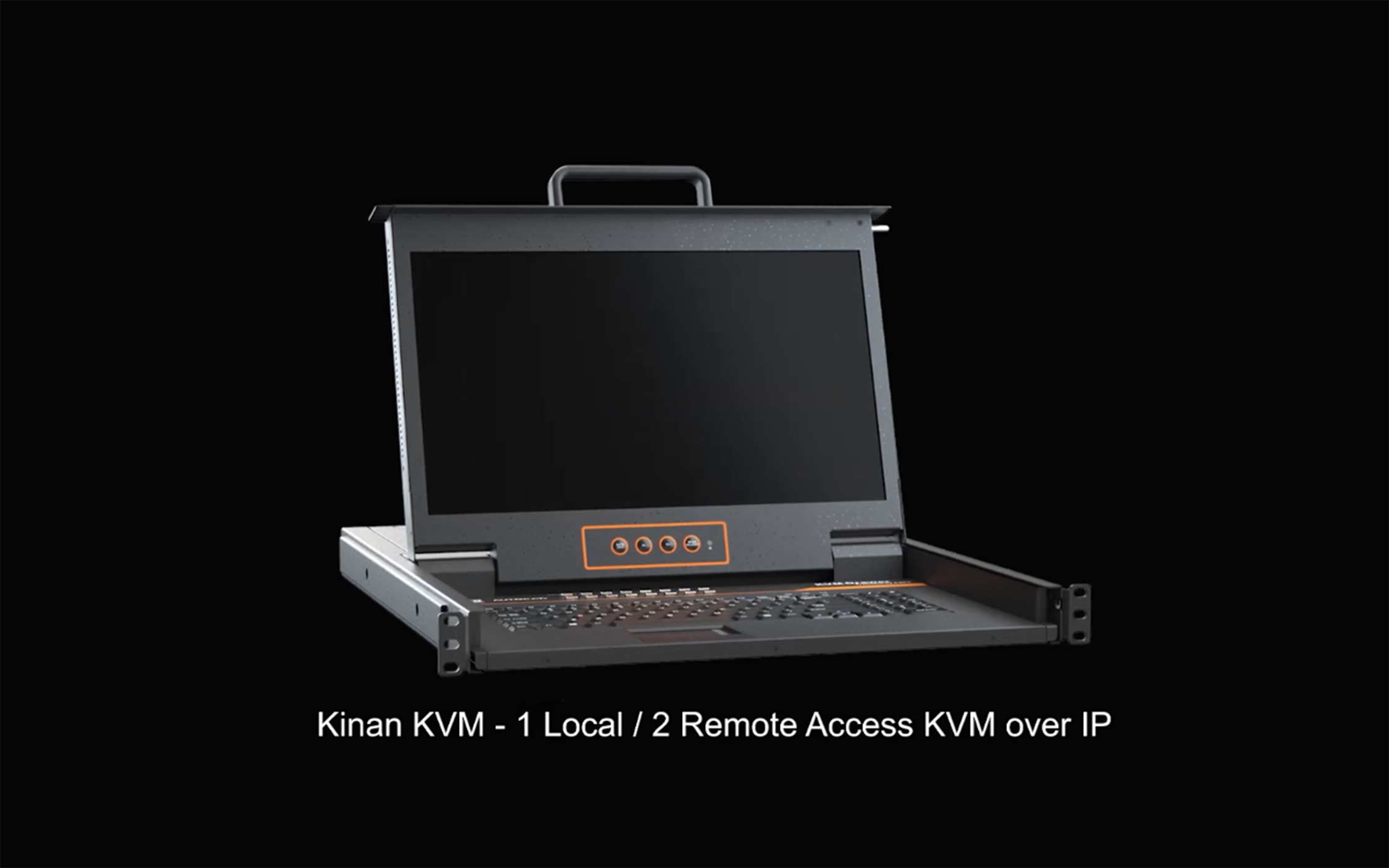
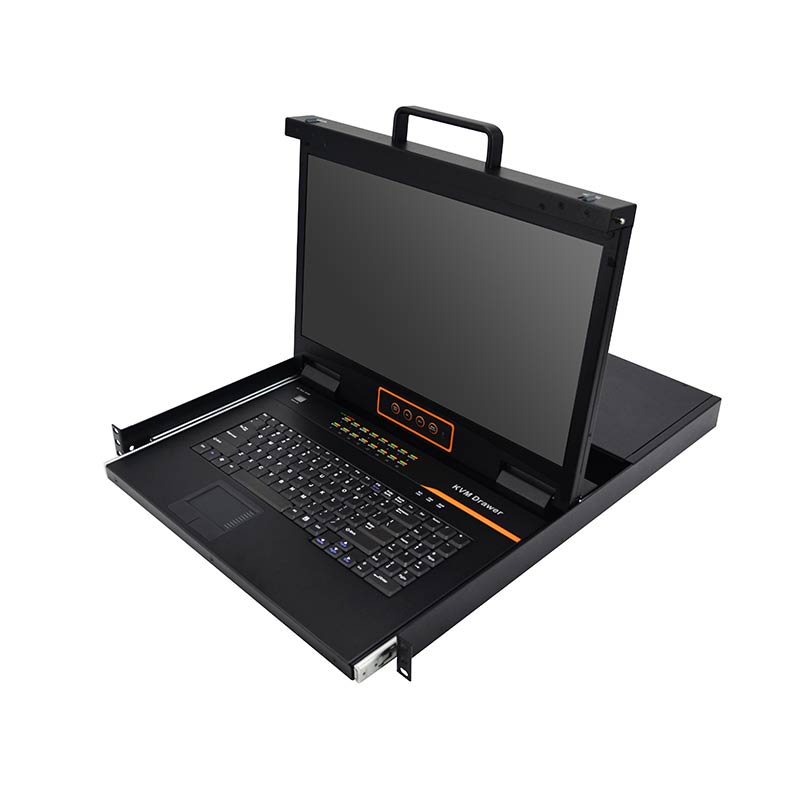
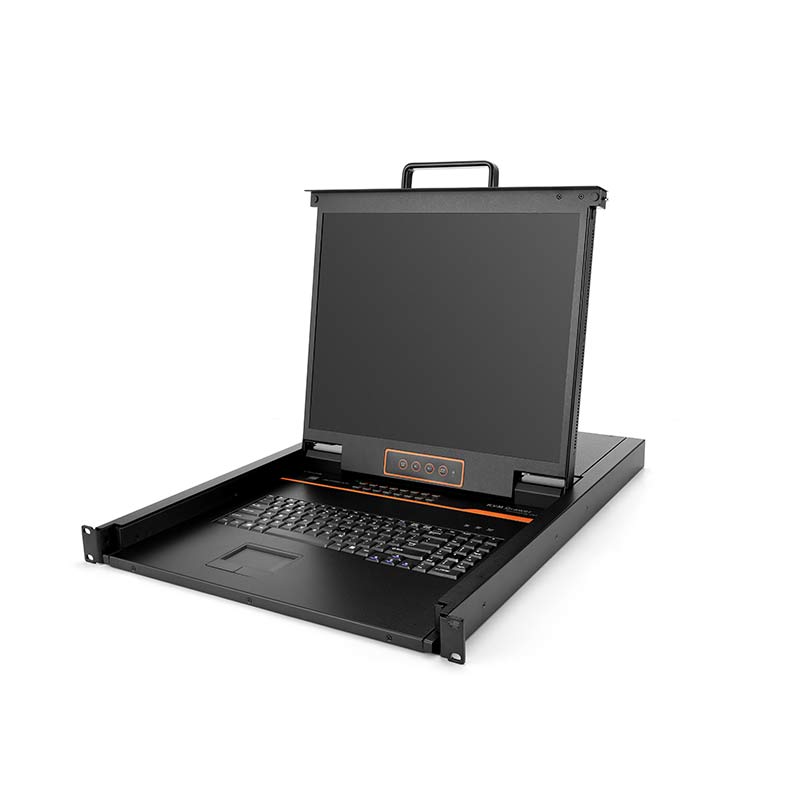
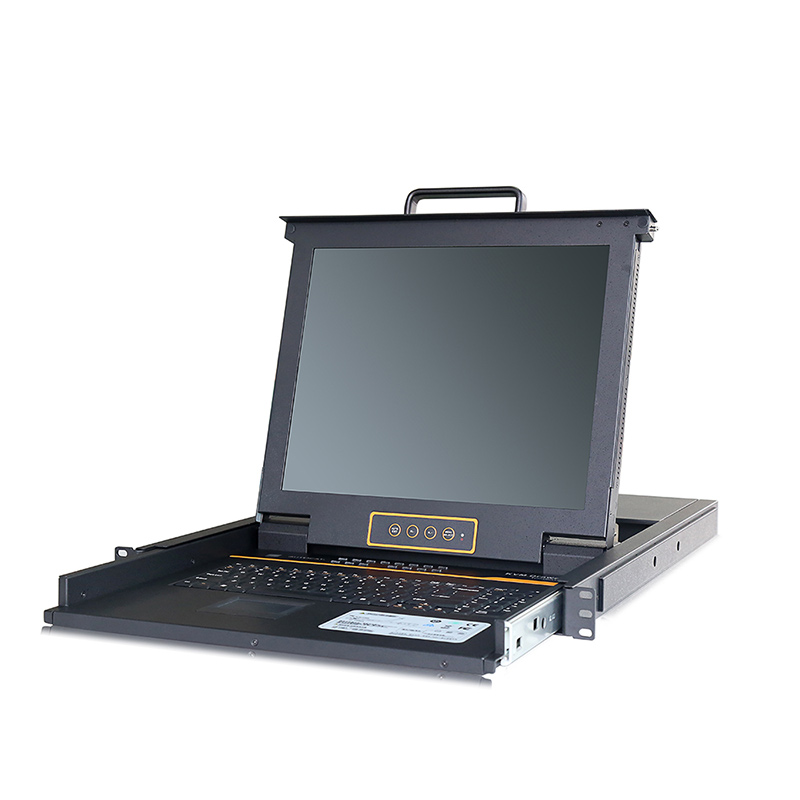
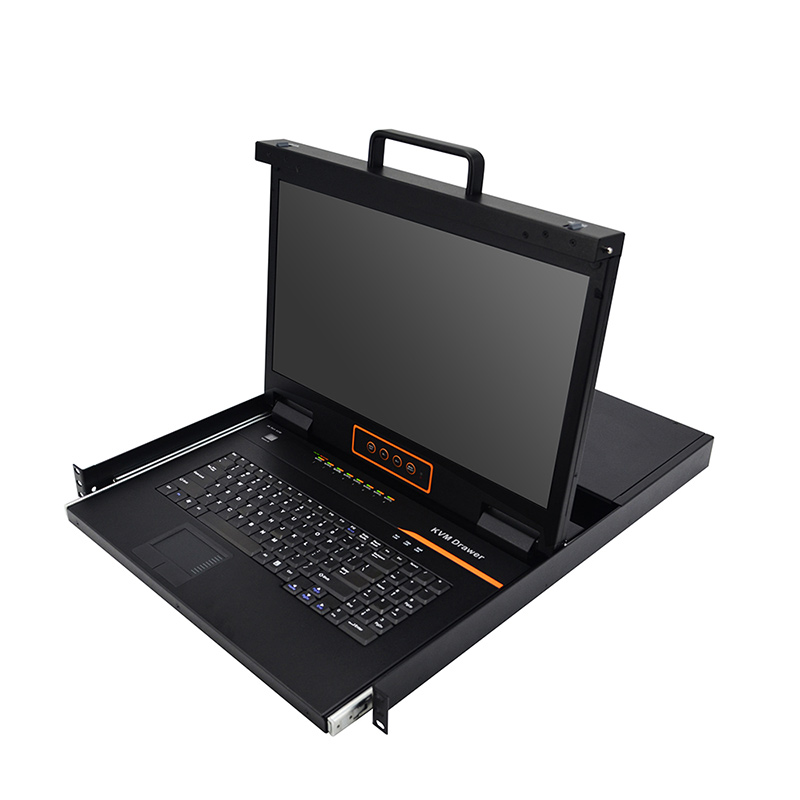
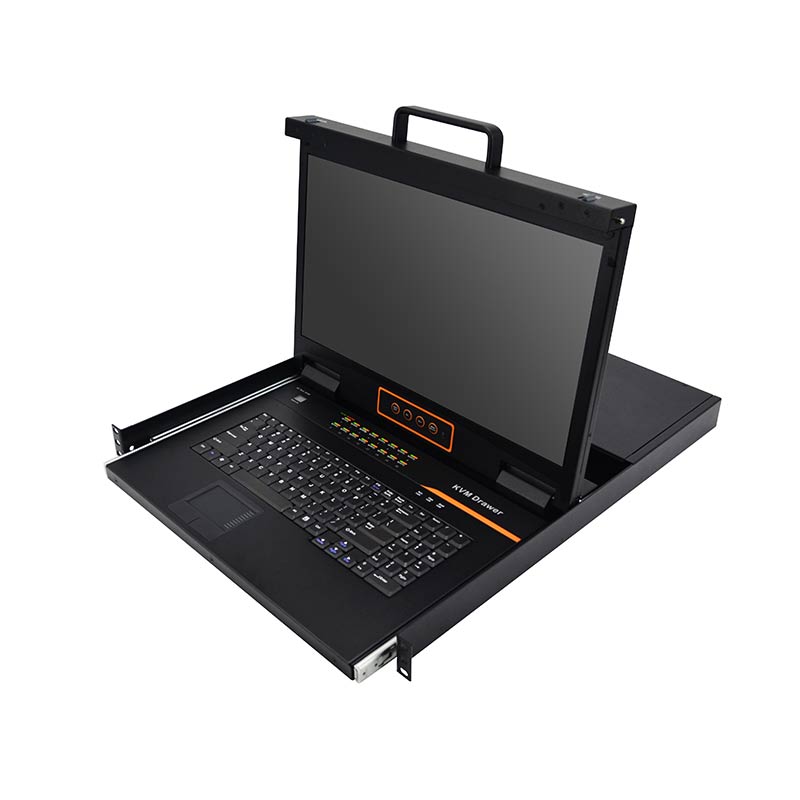
Hardware Structure: Integrated KVM Console with an 18.5″ widescreen LCD monitor.
High Video Resolution: The local and remote console support up to 1920×1080@60Hz.
Support Hot plugging: Easy to add or remove computers without interruption.
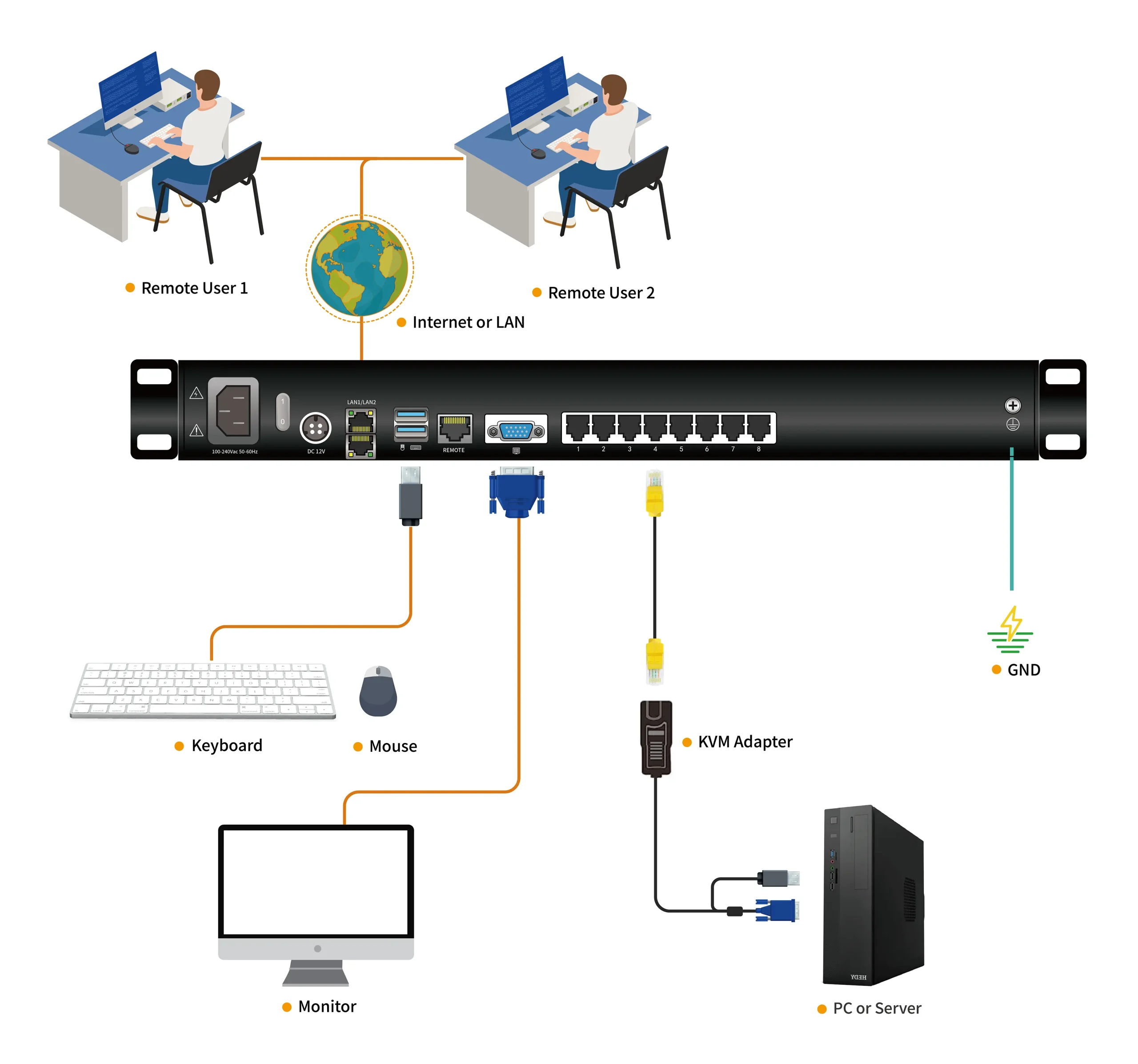
Remote Control: Support 1 local user and 1 remote user, port share mode allows local and remote users to gain access to a server simultaneously.
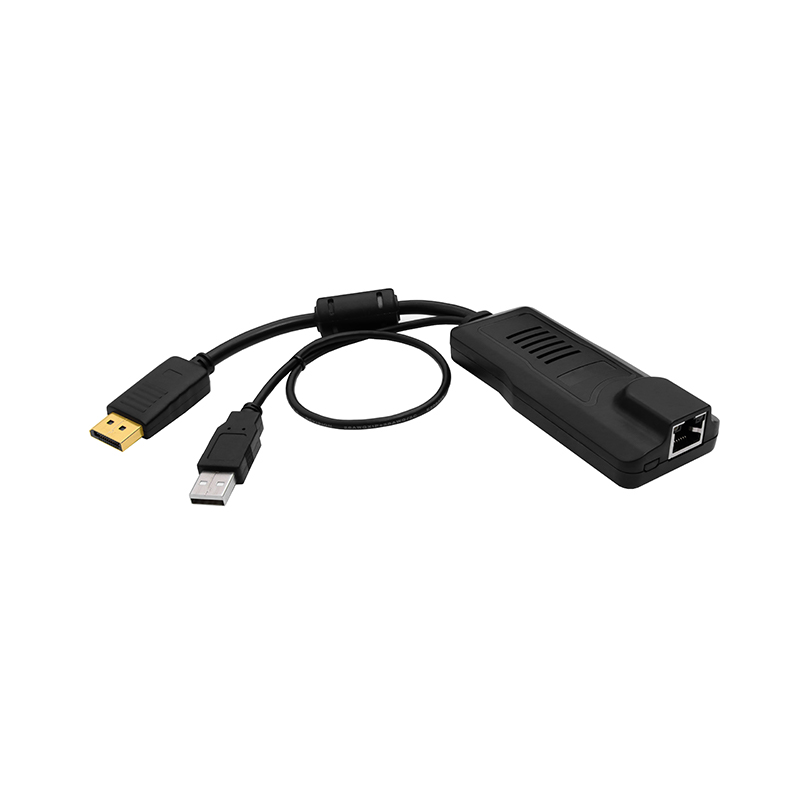
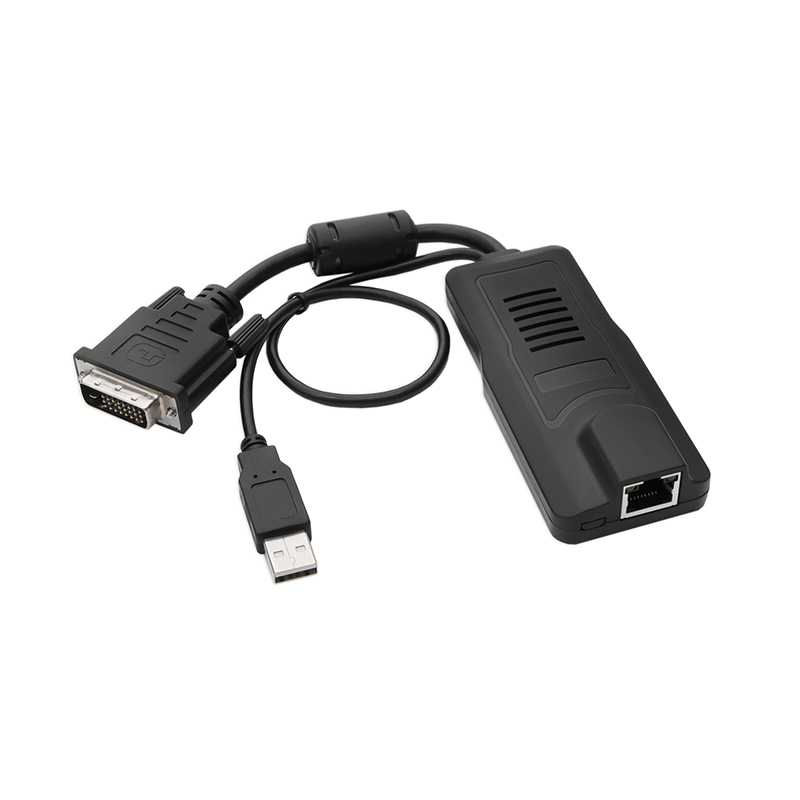
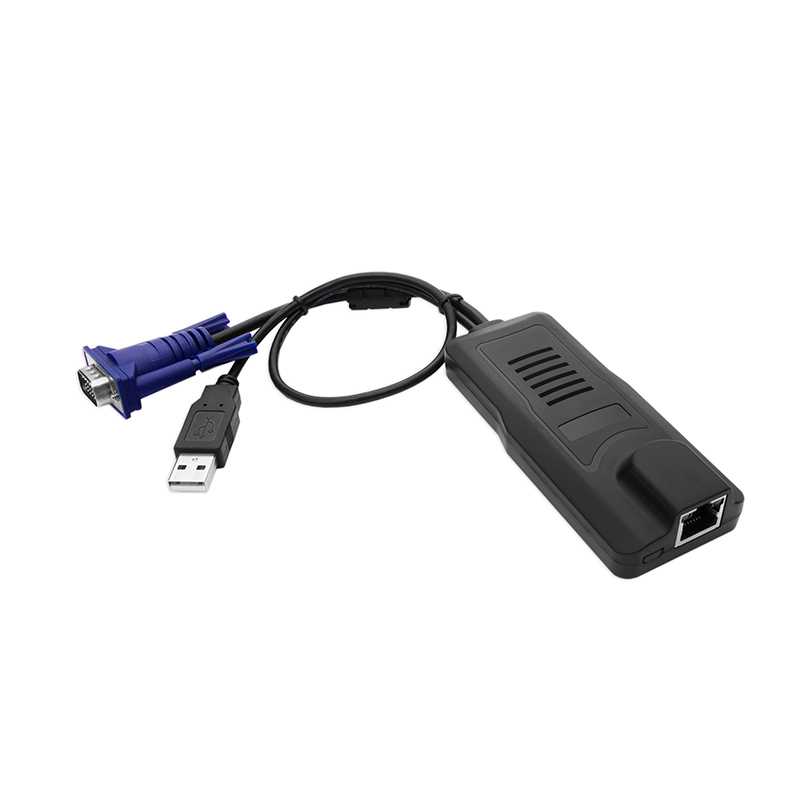
Support Diverse Servers: Support servers with VGA/DVI/HDMI/DP ports.
Power Supply Redundancy: Make sure the operation of KVM over IP switch.
Easy to Use: It is easy to install and the LCD display module can be adjusted freely (up to 108 degrees) to provide users with an optimum viewing experience.
Browser-based Remote Management: Securely access and manage connected servers from anywhere through a web browser or the Kinan kvmCtrlEN client.
Kinan’s HT2808 Cat5 LCD KVM over IP Switch is an ideal solution for centralized server management, allowing one local user and one remote user to securely access and control up to 8 computers from a single KVM console over a LAN, WAN, or the Internet.
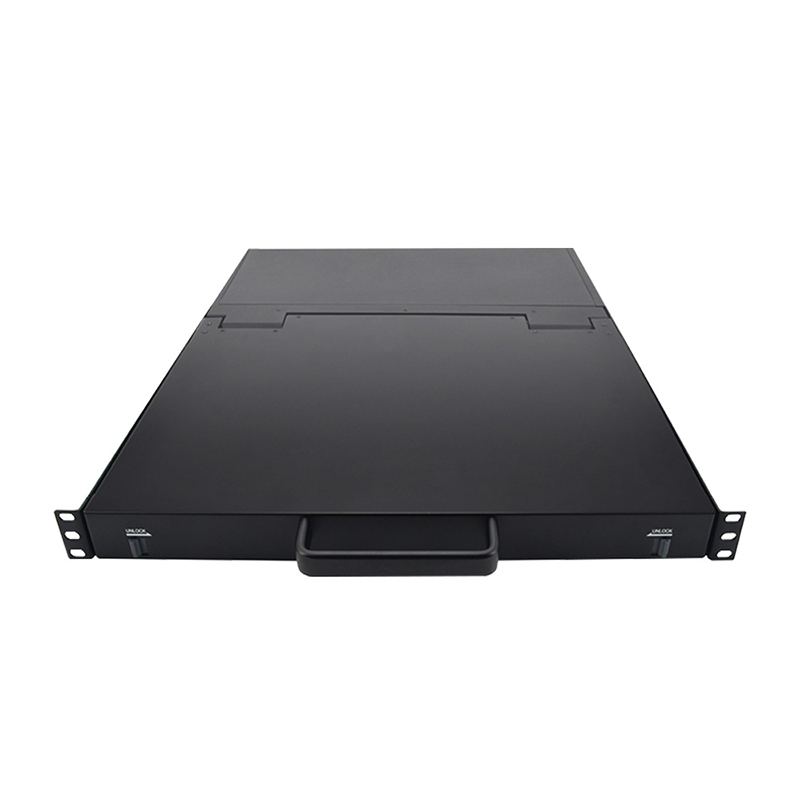
Featuring a space-saving 1U rack-mount design with an integrated 18.5″ LCD monitor, keyboard, and touchpad, the HT2808 helps maximize rack space while simplifying server administration. Supporting TCP/IP communication, dual LAN ports (100 Mbps and 1000 Mbps), HTTPS, and AES encryption, it provides secure remote management through a standard web browser or the Kinan kvmCtrlEN client. BIOS-level access enables administrators to perform low-level system configuration and maintenance even before the operating system boots.
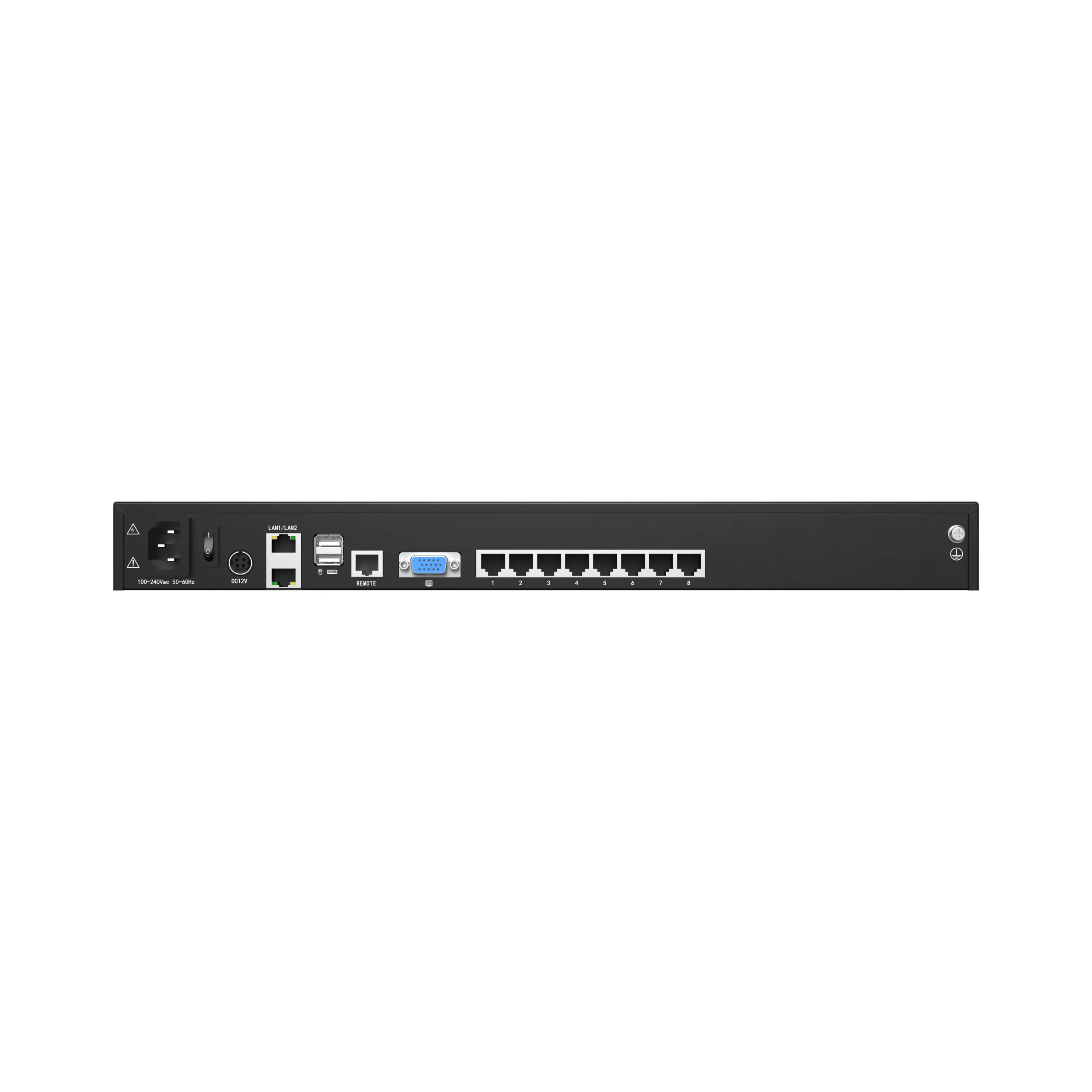
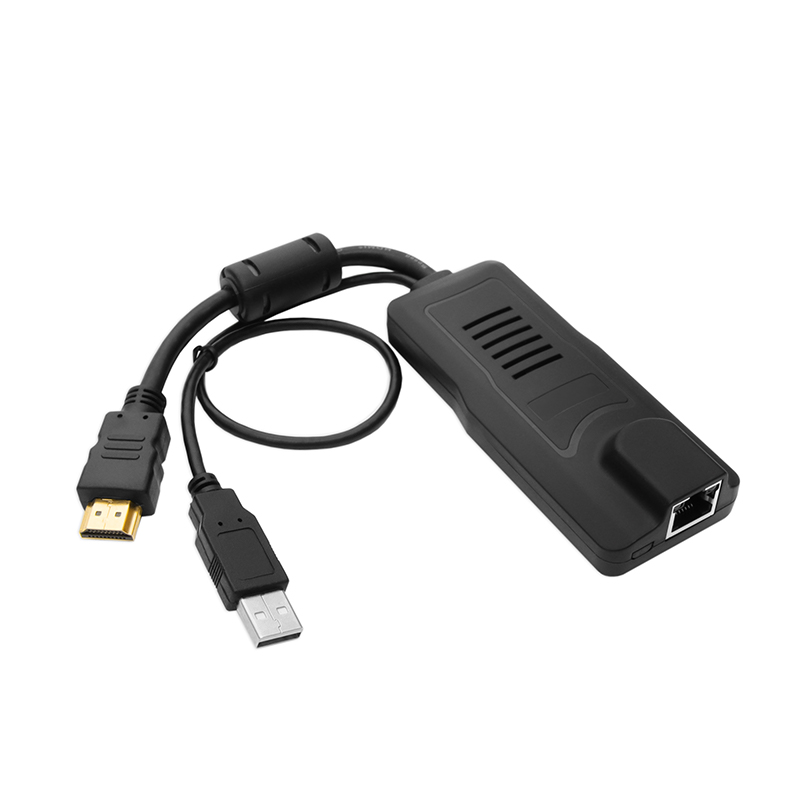
The HT2808 supports both USB and PS/2 connections for connected computers. An additional HDB15 port allows a local VGA monitor to be connected, while Kinan also provides VGA, DVI, HDMI, and DisplayPort KVM adapter cables, enabling seamless integration with servers and computers using different video interfaces.
Installation is fast and straightforward with no software configuration required. Simply connect the corresponding cables to the appropriate ports to begin operation. Computers are connected through compact RJ-45 interfaces using Cat5e/6/7 cables, supporting transmission distances of up to 40 m for reliable long-distance KVM extension.
Designed for data centers, enterprise IT environments, and remote control applications, the HT2808 provides a secure, space-saving, and efficient solution for centralized management of multiple servers from virtually anywhere.
Hardware Features
Integrated KVM Console with 18.5″ widescreen LCD monitor, keyboard/touchpad in a 1U height console
Standard Cat5 connection-Connect to a server or computer via standard RJ-45 connectors and Cat5e/6 cables
LCD module can be opened up to 108 degrees to provide a comfortable viewing angle
External console port – provides an external VGA, keyboard and mouse port to manage the LCD KVM Switch from an external console
One bus for IP KVM remote access
Dual power supply
Hardware Features
Integrated KVM Console with 18.5″ widescreen LCD monitor, keyboard/touchpad in a 1U height console
Standard Cat5 connection-Connect to a server or computer via standard RJ-45 connectors and Cat5e/6 cables
LCD module can be opened up to 108 degrees to provide a comfortable viewing angle
External console port – provides an external VGA, keyboard and mouse port to manage the LCD KVM Switch from an external console
One bus for IP KVM remote access
Dual power supply
Local Console
Controls up to 8 computers from a single console
Support 1 local user and 1 remote user, port share mode allows local and remote users to gain access to a server simultaneously
Easy-to-use switching by browser-based UI interface, hotkeys and pushbuttons
Support servers with VGA/DVI/HDMI/DP port
Multiplatform client support – Windows, Linux, Unix, Mac, Solaris (Sun), Redhat, Ubuntu
Local Console, Browser, and AP GUIs offer a unified management interface
Local resolution is up to 1920×1080@60Hz
Support mouse synchronization mode-automatically synchronizes the local and remote mouse movements
Video synchronization with local console – EDID information for local console display can be stored in the host module for video resolution optimization
Keyboard and mouse emulation to ensure the normal booting
Auto scan feature for monitoring user-selected computer
Hot pluggable–add or remove computers without having to power down the switch
Local Console
Controls up to 8 computers from a single console
Support 1 local user and 1 remote user, port share mode allows local and remote users to gain access to a server simultaneously
Easy-to-use switching by browser-based UI interface, hotkeys and pushbuttons
Support servers with VGA/DVI/HDMI/DP port
Multiplatform client support – Windows, Linux, Unix, Mac, Solaris (Sun), Redhat, Ubuntu
Local Console, Browser, and AP GUIs offer a unified management interface
Local resolution is up to 1920×1080@60Hz
Support mouse synchronization mode-automatically synchronizes the local and remote mouse movements
Video synchronization with local console – EDID information for local console display can be stored in the host module for video resolution optimization
Keyboard and mouse emulation to ensure the normal booting
Auto scan feature for monitoring user-selected computer
Hot pluggable–add or remove computers without having to power down the switch
Get Your KVM Switch Solution from A Reliable Supplier.
Our team of KVM specialists is available to assist you with your inquiries and KVM needs. We ensure vertical integration for all your OEM&ODM projects, from KVM product design to manufacturing and testing.