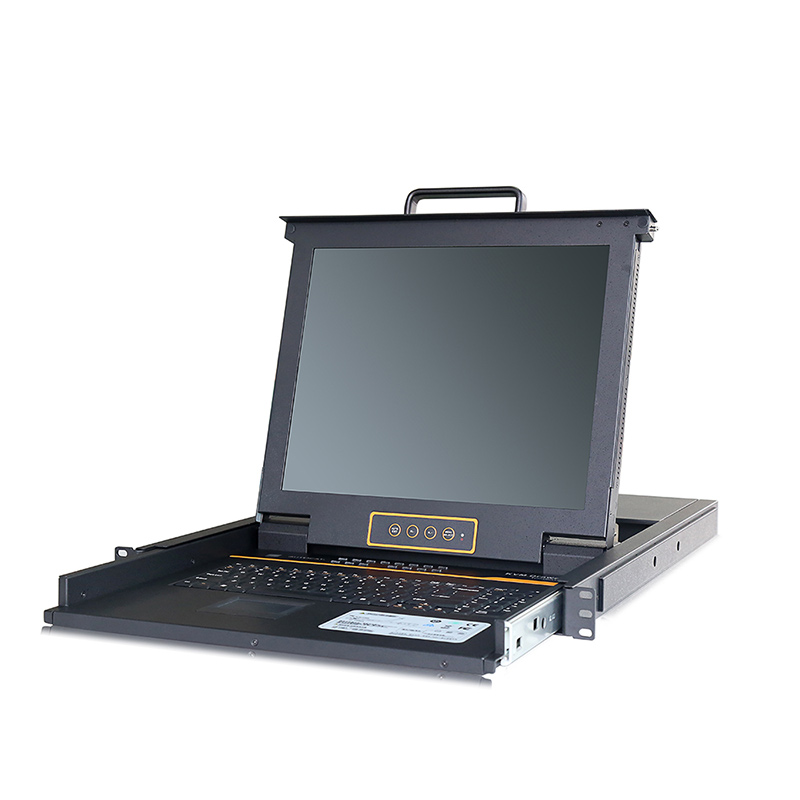
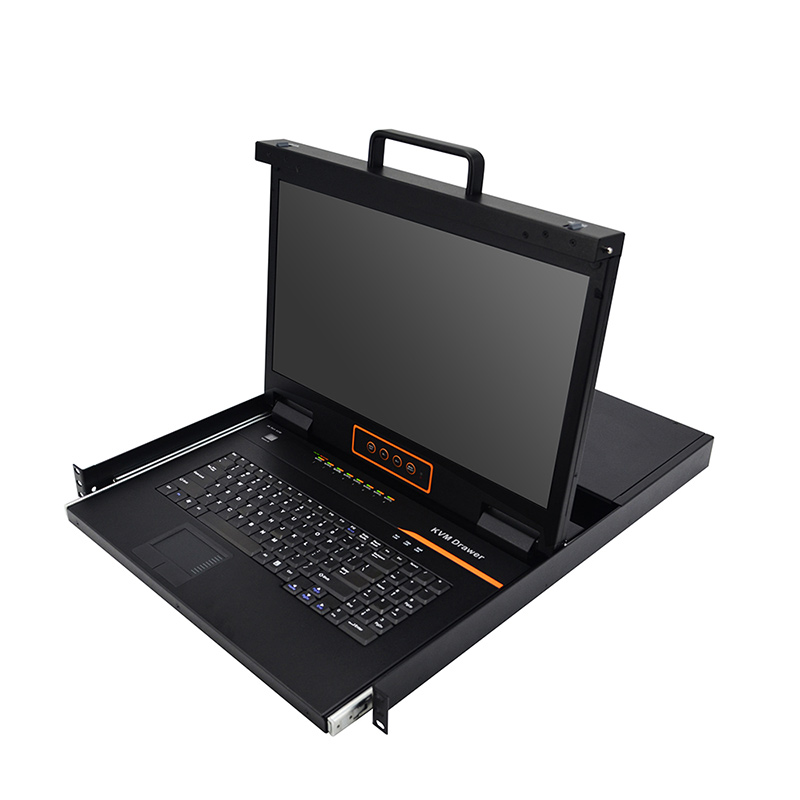
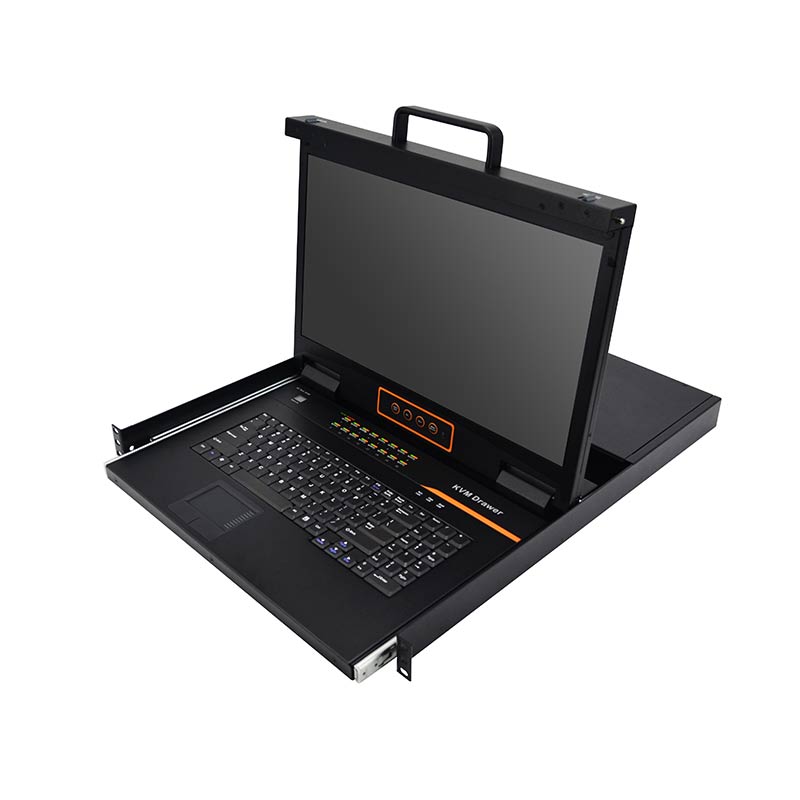
HT2732-1
HT2732-2
HT2732-3
HT2732-1
HT2732-2
HT2732-3

17.3″ 32 Port CAT5 LCD KVM over IP Switch 1-Local / 1-Remote Access

Model No.: HT2732

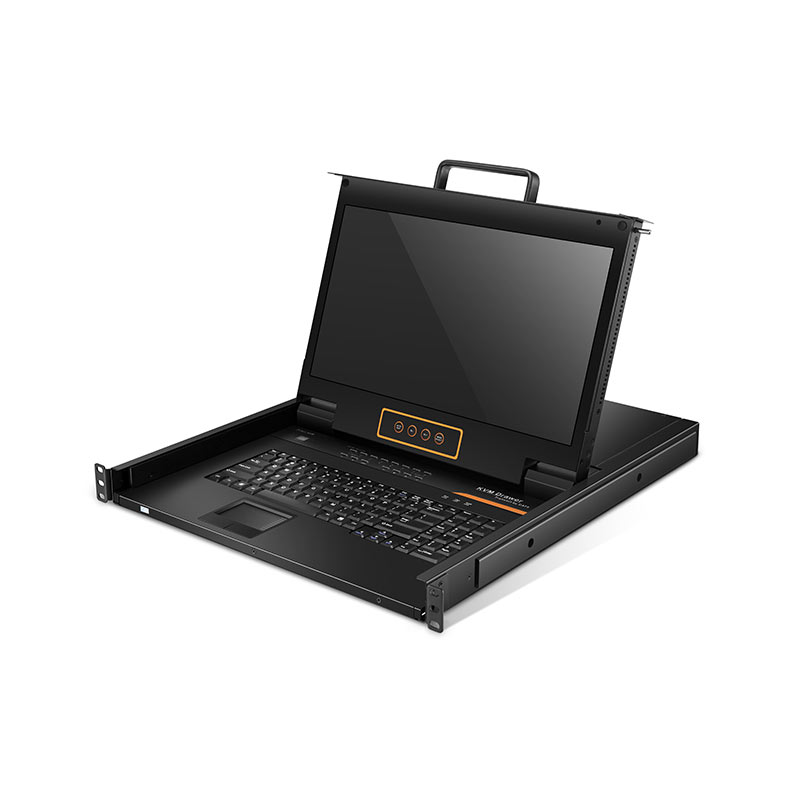
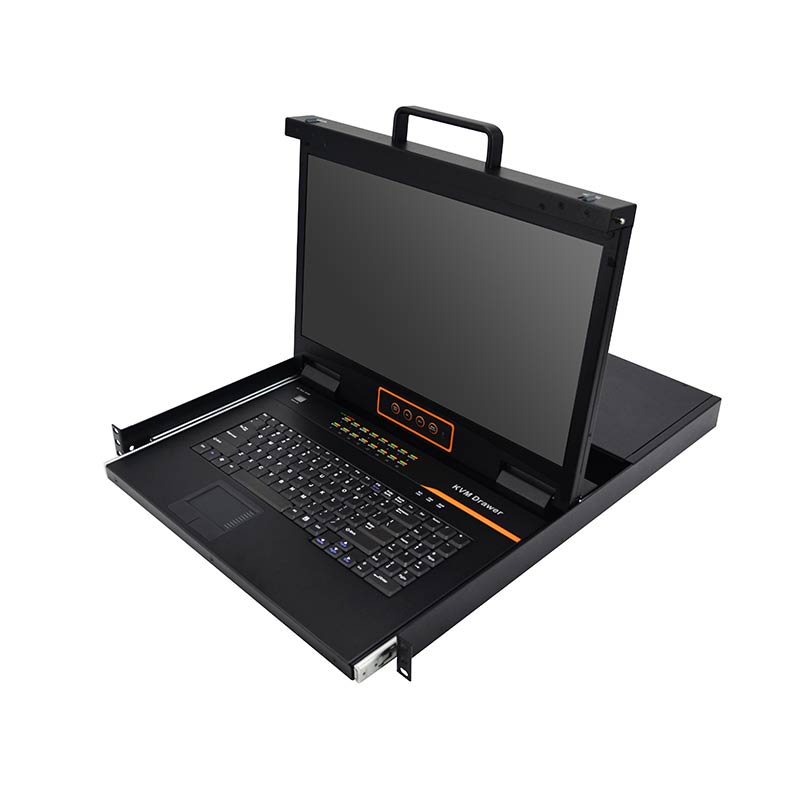
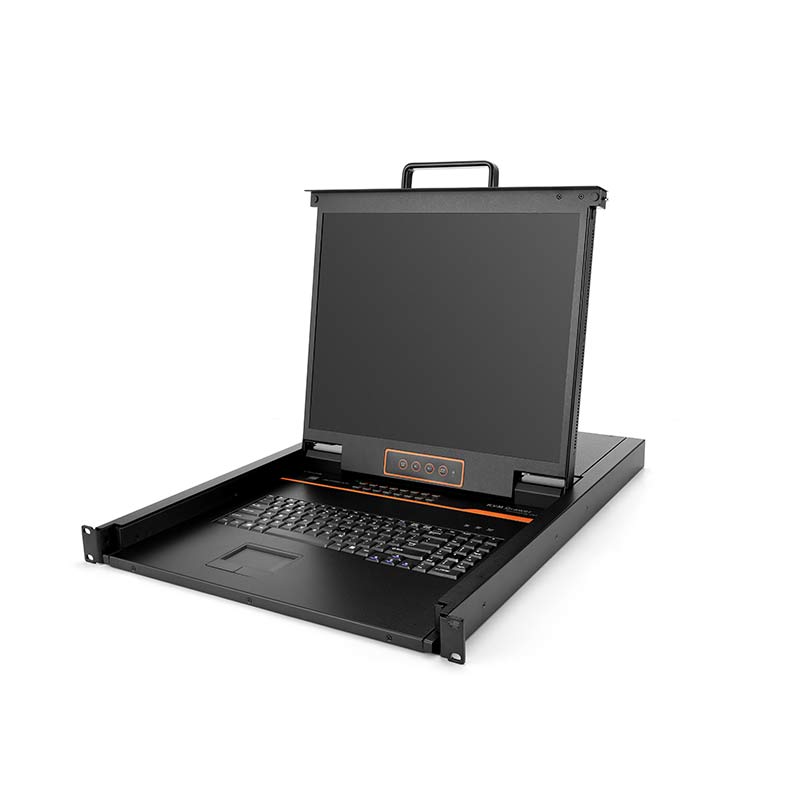
  • Outstanding Design: Integrated KVM Console with a 17.3″ widescreen LCD screen, 32 Cat5 ports, built-in keyboard, and user-friendly touchpad.
  • High Video Resolution: is up to 1920×1080@60Hz for local and remote console.
  • Dual Power Supply: This Cat5 LCD KVM switch can run smoothly and stably.
  • Remote Control: Support 1 local user and 1 remote user, port share mode allows local and remote users to gain access to a server simultaneously.
  • Diverse Servers: Support servers with VGA/DVI/HDMI/DP ports.
  • Flexible Viewing Angle: The LCD module can be opened up to 108 degrees to provide great experience.
  • Browser-based Remote Management: Securely access and manage connected servers from anywhere through a web browser or the Kinan kvmCtrlEN client.

Overview

The Kinan HT2732 Cat5 LCD IP KVM Switch is an ideal solution for centralized server management, allowing one local user and one remote user to securely access and control up to 32 computers from a single console without time or distance limitations.

Featuring an integrated 17.3″ LCD monitor, keyboard, and touchpad in a compact 1U rack-mount design, it helps maximize rack space while simplifying server administration. Supporting TCP/IP communication, dual LAN ports (100 Mbps and 1000 Mbps), HTTPS, and AES encryption, the HT2732 provides secure remote management through a standard web browser or the Kinan kvmCtrlEN client. BIOS-level access enables administrators to perform low-level system configuration and maintenance even before the operating system boots.

The HT2732 is designed for quick and effortless deployment. Simply connect the corresponding cables to the appropriate ports without any software configuration or compatibility concerns. Computers are connected through compact RJ-45 interfaces using Cat5e/6/7 cables, supporting transmission distances of up to 40 m for reliable and efficient KVM extension.

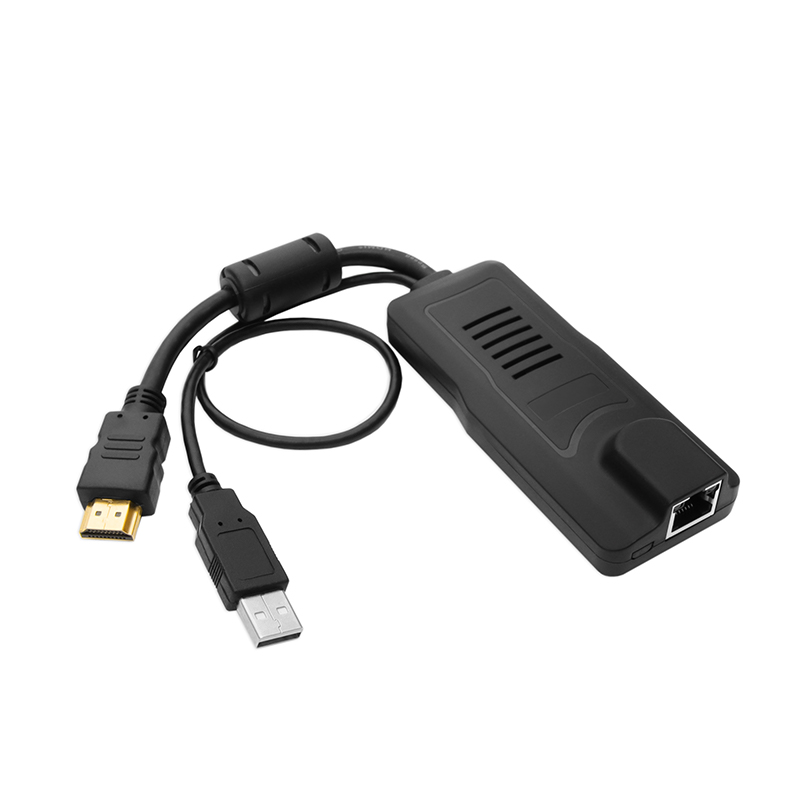
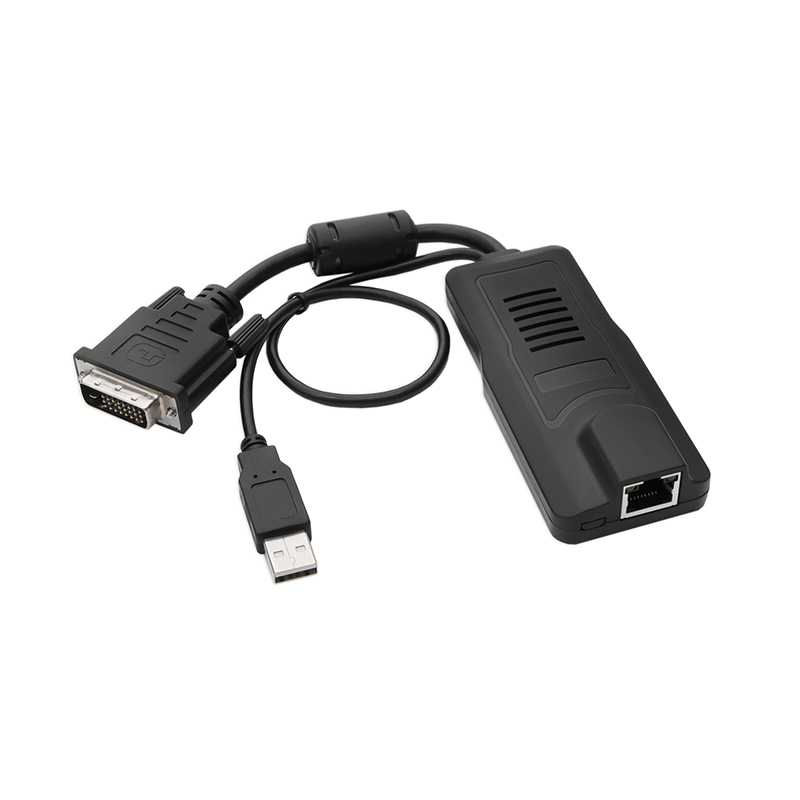
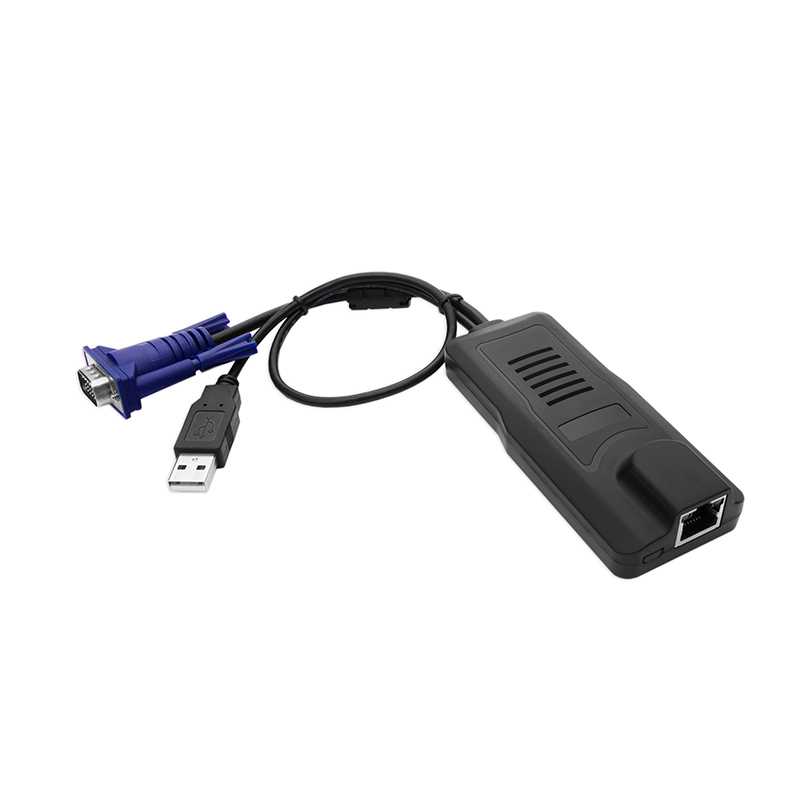
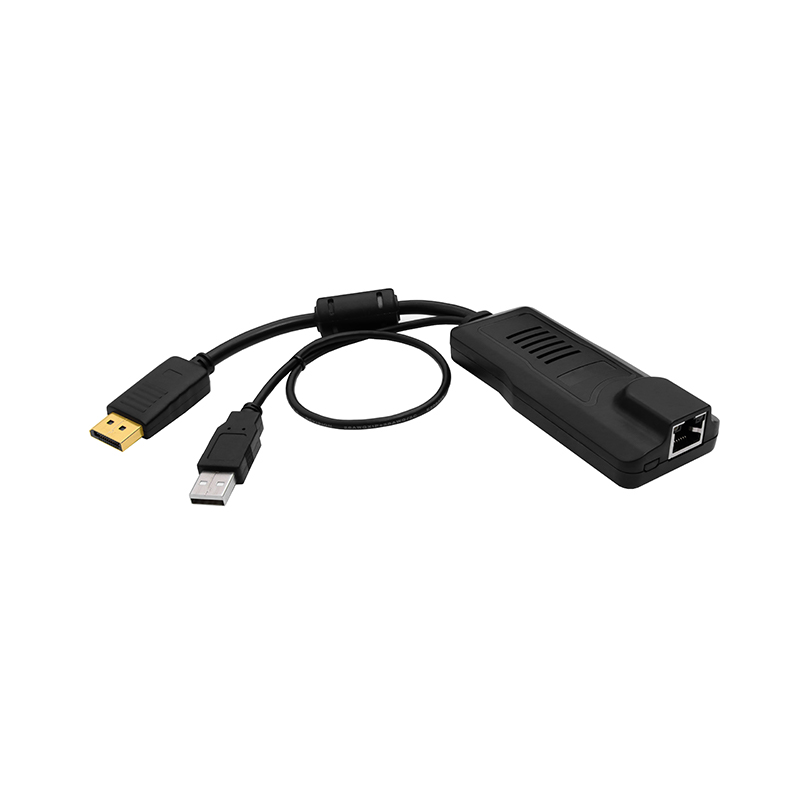
The switch supports both USB and PS/2 connections for connected computers. Kinan also provides VGA, DVI, HDMI, and DisplayPort KVM adapter cables, allowing seamless integration with servers and computers using different video interfaces to meet a wide range of deployment requirements.

Hardware Features

  • Designed with a 17.3″ monitor
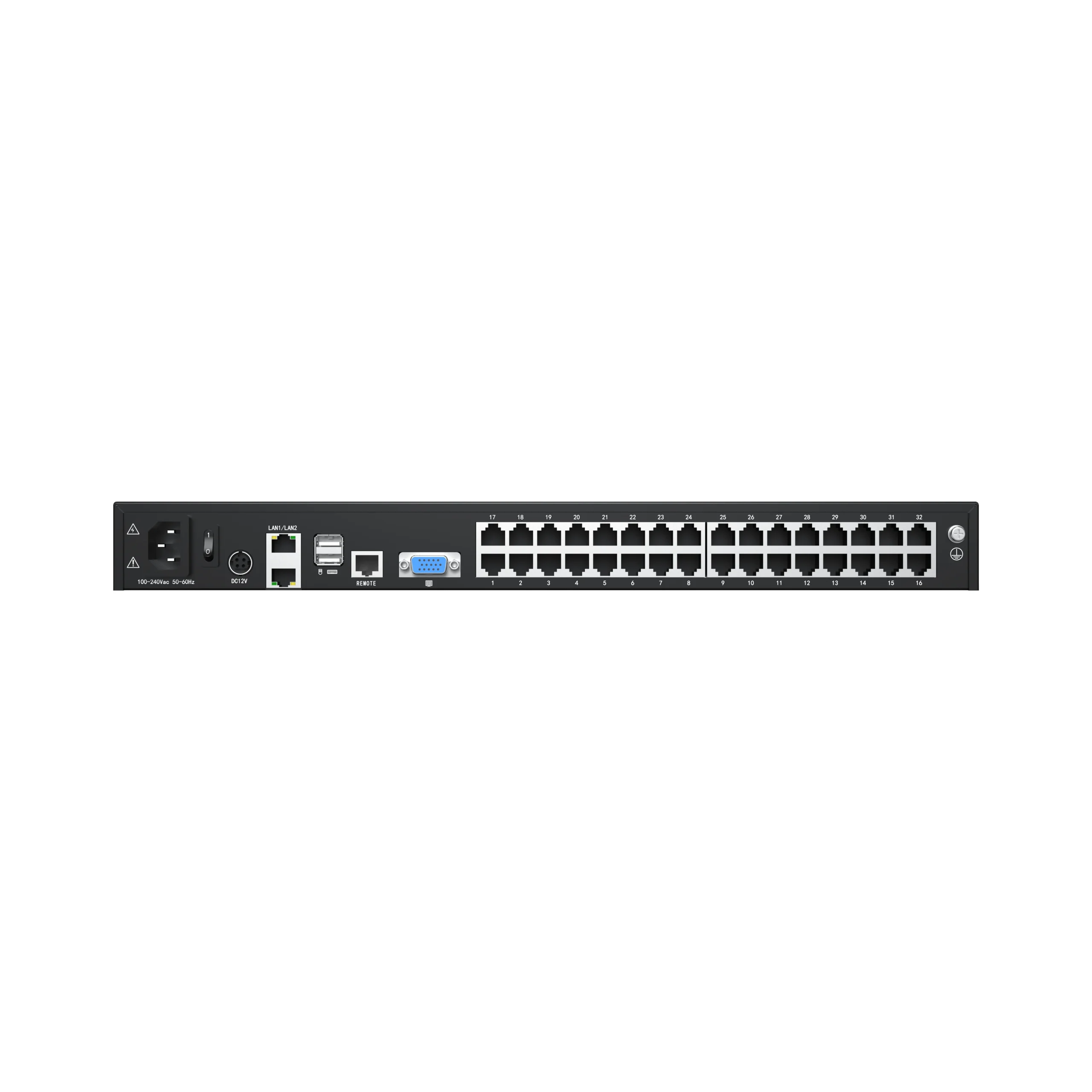
  • Connect to a server or computer via standard RJ-45 connectors and Cat5e/6 cables
  • LCD module can be opened up to 108 degrees for a comfortable viewing angle
  • Provides an external VGA, keyboard and mouse port to manage the KVM Switch with a monitor
  • One bus for IP KVM remote access
  • Designed with dual power supply

Hardware Features

  • Designed with a 17.3″ monitor
  • Connect to a server or computer via standard RJ-45 connectors and Cat5e/6 cables
  • LCD module can be opened up to 108 degrees for a comfortable viewing angle
  • Provides an external VGA, keyboard and mouse port to manage the KVM Switch with a monitor
  • One bus for IP KVM remote access
  • Designed with dual power supply

Local Console

  • Controls up to 32 computers from a single console
  • Support 1 local user and 1 remote user
  • Friendly switching methods including browser-based UI interface, hotkeys and pushbuttons
  • Support servers with VGA/DVI/HDMI/DP port
  • Wide compatibility-Windows, Linux, Unix, Mac, Solaris (Sun), Redhat, Ubuntu
  • Local resolution is up to 1920×1080@60Hz
  • Support mouse synchronization mode – automatically synchronizes the local and remote mouse movements
  • Video synchronization with local console – EDID information for local console display can be stored in the host module for video resolution optimization
  • Keyboard and mouse emulation to ensure the normal booting
  • Auto scan feature for monitoring user-selected computer
  • Hot pluggable – add or remove computers without having to power down the switch

Local Console

  • Controls up to 32 computers from a single console
  • Support 1 local user and 1 remote user
  • Friendly switching methods including browser-based UI interface, hotkeys and pushbuttons
  • Support servers with VGA/DVI/HDMI/DP port
  • Wide compatibility-Windows, Linux, Unix, Mac, Solaris (Sun), Redhat, Ubuntu
  • Local resolution is up to 1920×1080@60Hz
  • Support mouse synchronization mode – automatically synchronizes the local and remote mouse movements
  • Video synchronization with local console – EDID information for local console display can be stored in the host module for video resolution optimization
  • Keyboard and mouse emulation to ensure the normal booting
  • Auto scan feature for monitoring user-selected computer
  • Hot pluggable – add or remove computers without having to power down the switch

Remote Console

  • Supports dual LAN ports (LAN1: 100 Mbps, LAN2: 1000 Mbps) network
  • WEB browser-based or kvmCtrlEN remote management
  • Resolution for remote console is up to 1920×1080@60Hz
  • BIOS-level access
  • Video quality and video tolerance can be adjusted to optimize data transfer speed, data transfer speed is up to 30 FPS
  • Full screen or scalable video display
  • Remote users and local users can control the same server/computer synchronously
  • Support AES encryption
  • Support audit function-allows the administrator to audit the device through the system log and operation log
  • Exit Macros support
  • Configurable user and group permissions for server access and control
  • Supports HTTPS to ensure encrypted and secure remote access
  • Support strong password
  • Support firmware upgrade

Remote Console

  • Supports dual LAN ports (LAN1: 100 Mbps, LAN2: 1000 Mbps) network
  • WEB browser-based or kvmCtrlEN remote management
  • Resolution for remote console is up to 1920×1080@60Hz
  • BIOS-level access
  • Video quality and video tolerance can be adjusted to optimize data transfer speed, data transfer speed is up to 30 FPS
  • Full screen or scalable video display
  • Remote users and local users can control the same server/computer synchronously
  • Support AES encryption
  • Support audit function-allows the administrator to audit the device through the system log and operation log
  • Exit Macros support
  • Configurable user and group permissions for server access and control
  • Supports HTTPS to ensure encrypted and secure remote access
  • Support strong password
  • Support firmware upgrade

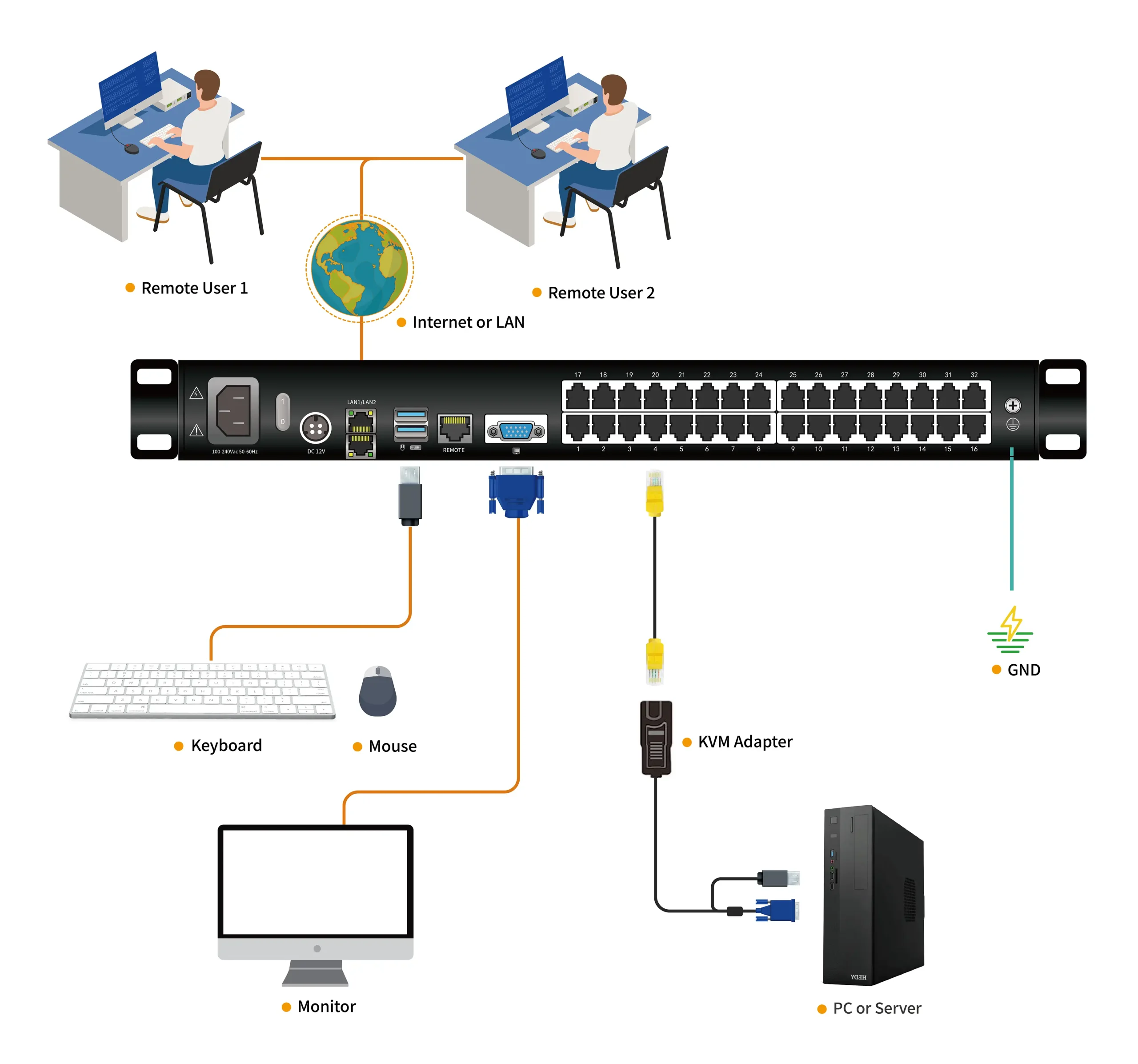
Diagram

HT2732 Connection Diagram

Specification

Model HT2732
Computer Connections Direct 32
Max 32
Port Selection Keyboard, Mouse Button, UI, Web, Hotkey
LED Monitor Model FHD TFT
View Area 17.3″
Optimum Resolution 1920×1080@60Hz
Color 16.7M
Brightness 250cd/m²( T y p )
Contrast Ratio 800 : 1( T y p )
Pixel Pitch(mm) 0.1989(H) × 0.1989(W)
Mouse X/Y Resolution >1000 points / inch, (40 points/mm)
Scroll Wheel Supports Scroll Wheel function
Keyboard 104 function keys
99 keys (82 keyboard + 17 number pad)
Remote Remote Control KVM Control (ActiveX)
Management Web
Security AES 256 Encrypted
Resolution 1920×1080@60Hz
Power Input 100V- 240Vac , 50-60Hz , <1.5A
Mounting distance 510-850mm ( L=420mm)
Mounting bracket can be customized for Other mounting distance
Power Consumption 29W
Operating Temperature 0 — 50 ℃
Store Temperature -20 —60 ℃
Humidity 0—80% RH, non-condensing
Net Weight 11.4kg
Product Dimension (W × D × H) 448mm×525.6mm mm×42.5mm
Package Dimension (W × D × H) 765mm×615mm×185mm

Package Contents

  • 1x HT2732 LCD KVM over IP Switch
  • 1x Power Cord (Regional)
  • 1x Quick Start Guide
  • 1x User Manual
  • 2x Mounting Rails
  • 1x Cat5 shield network cable
  • 1x Ground Lead

Want to Learn More About Our Products? Download Resources.

HT2732 User Manual-Kinan-V2.0-202607

HT27-Datasheet-Kinan-202606

Related Products

Get Your KVM Switch Solution from A Reliable Supplier.

Our team of KVM specialists is available to assist you with your inquiries and KVM needs. We ensure vertical integration for all your OEM&ODM projects, from KVM product design to manufacturing and testing.

Talk to Our Experts

Our experts will get back to you within 24 hours.

For Amazon purchases, contact our dedicated customer service for prompt assistance: [email protected]

Get A Free Quote

Our experts will get back to you within 24 hours.