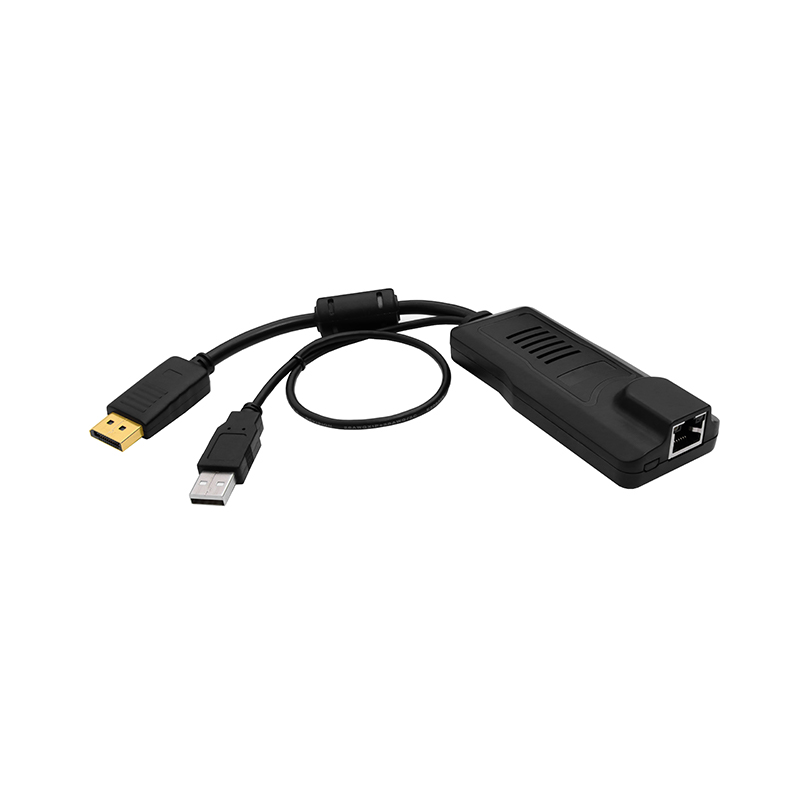
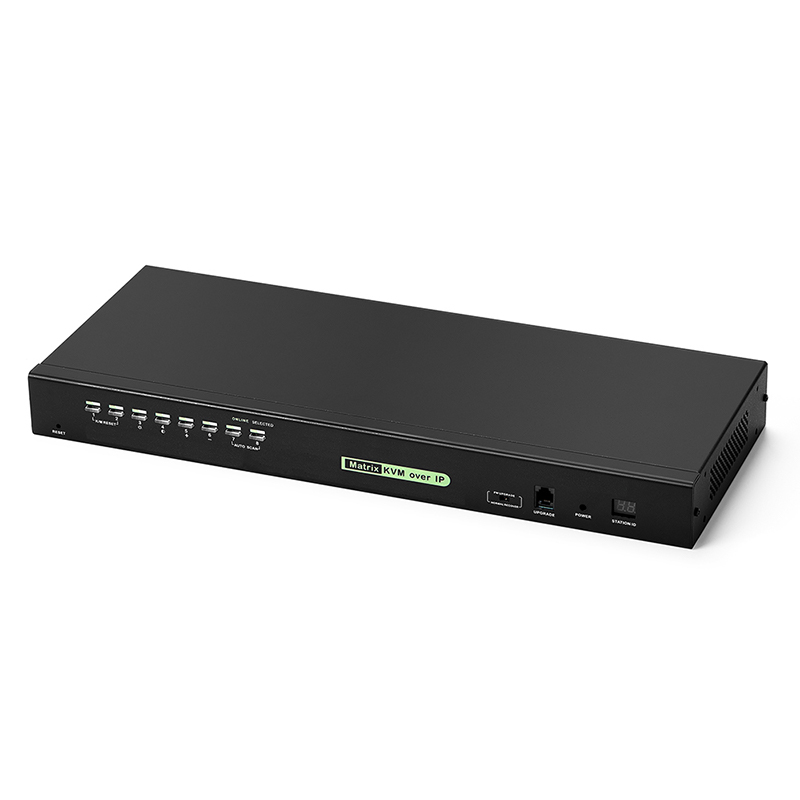
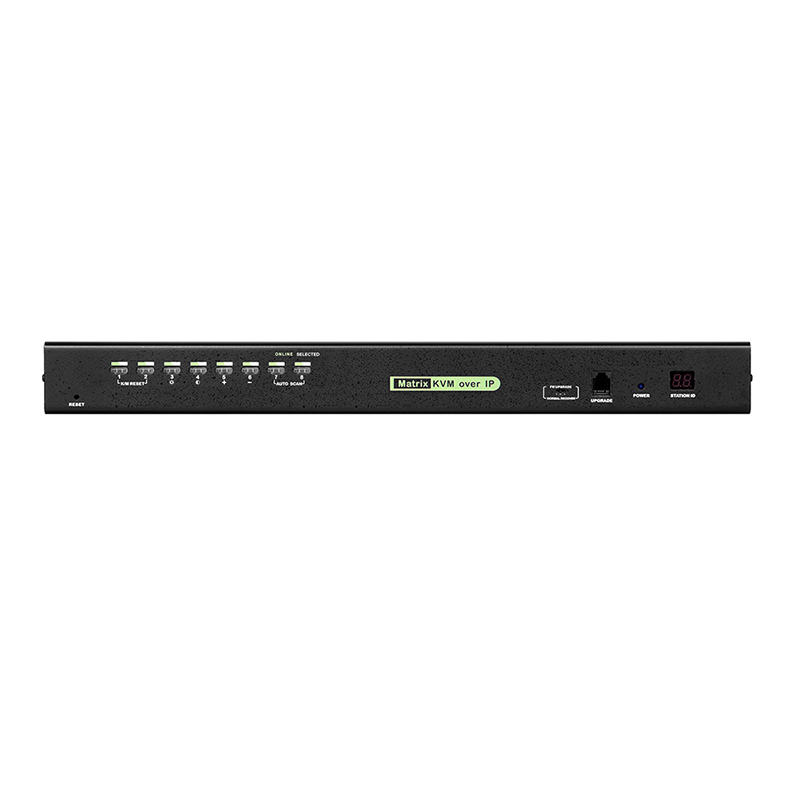
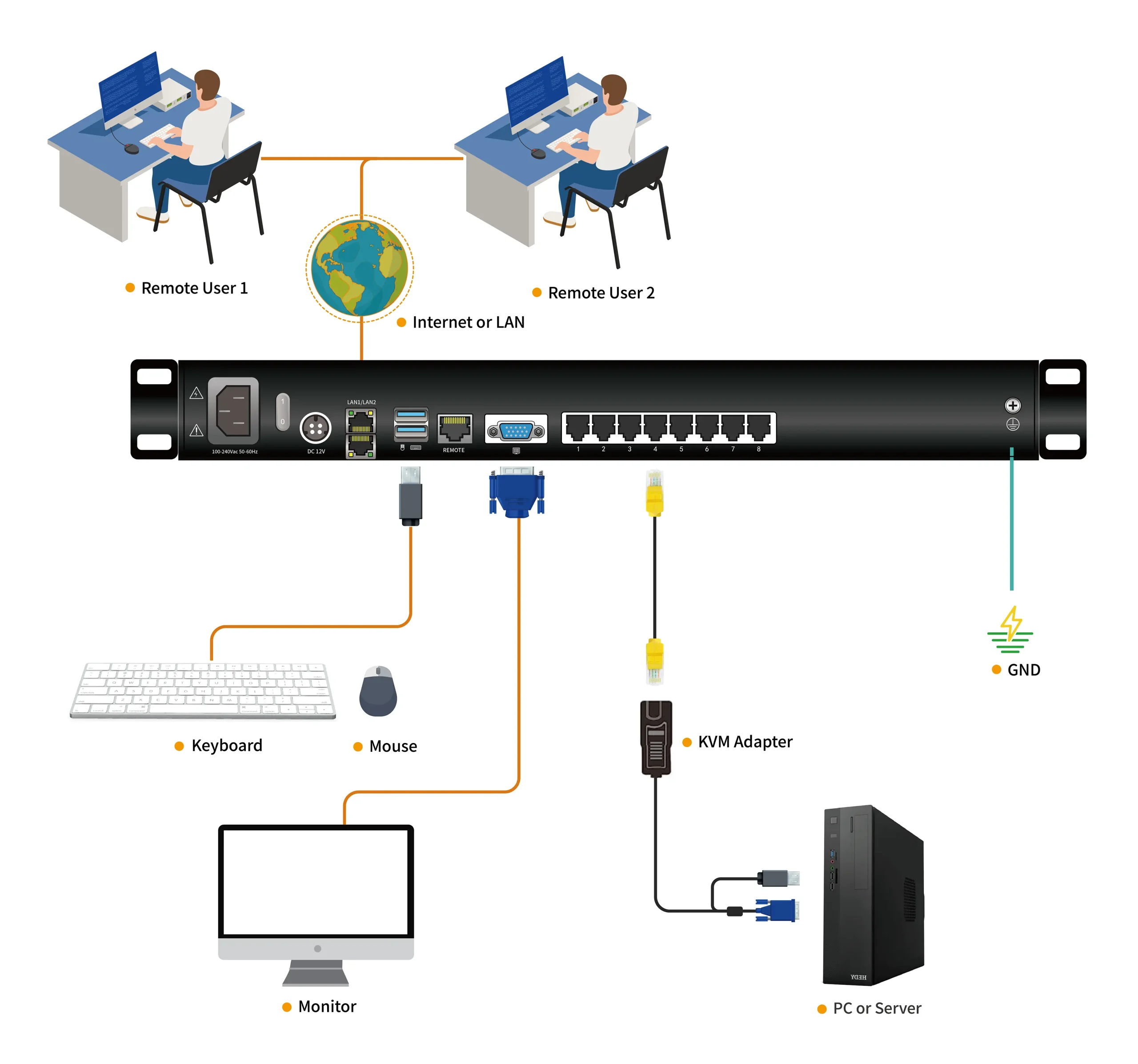
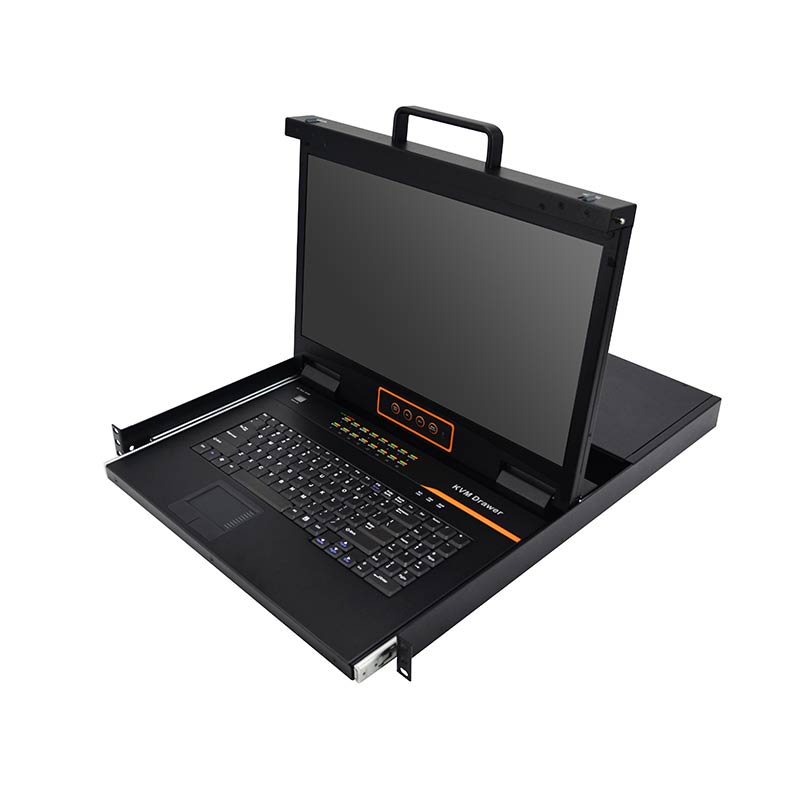
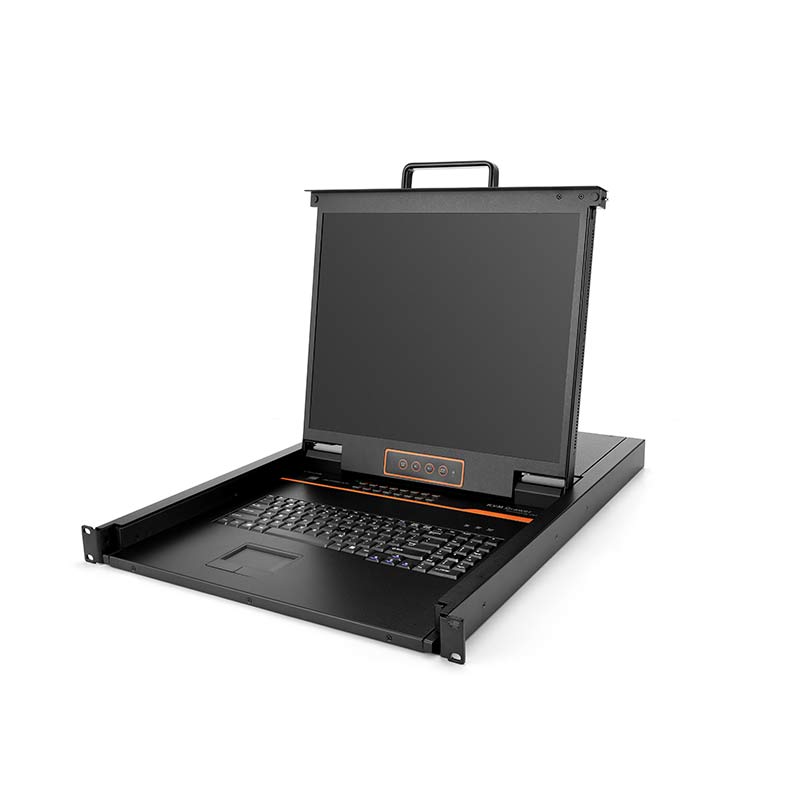
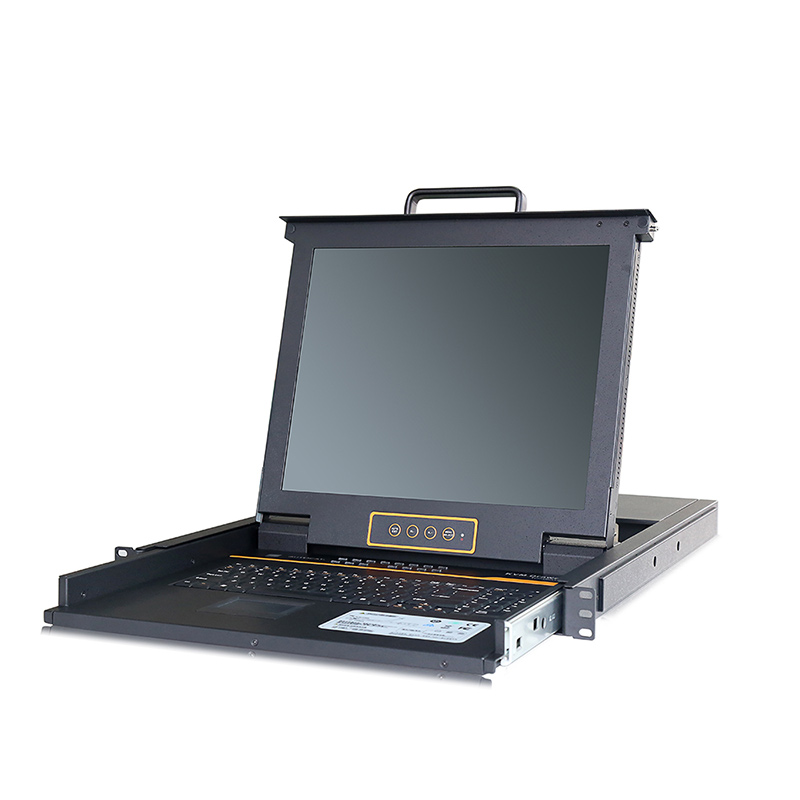
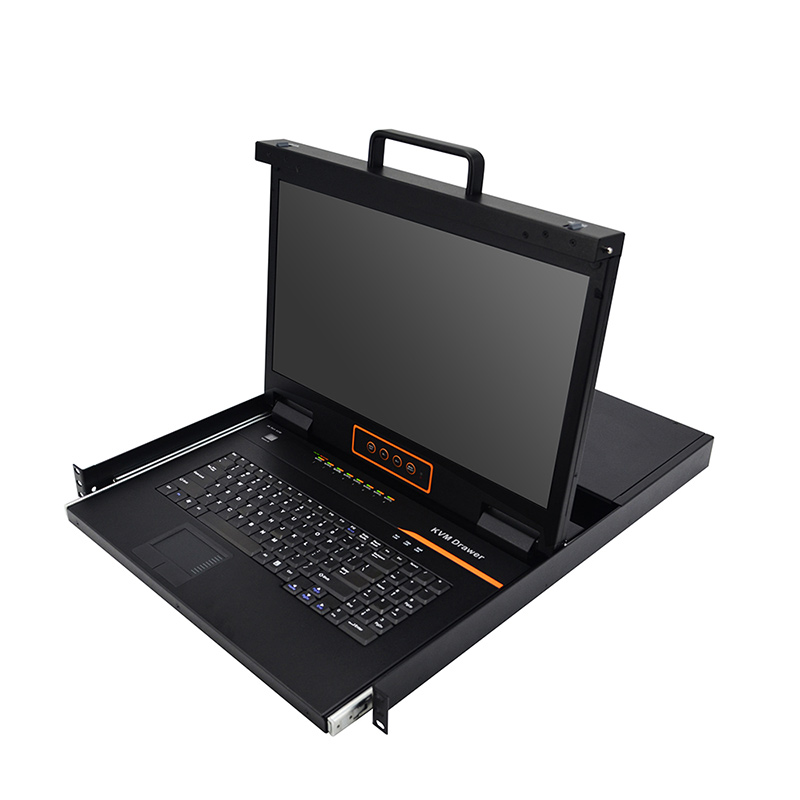
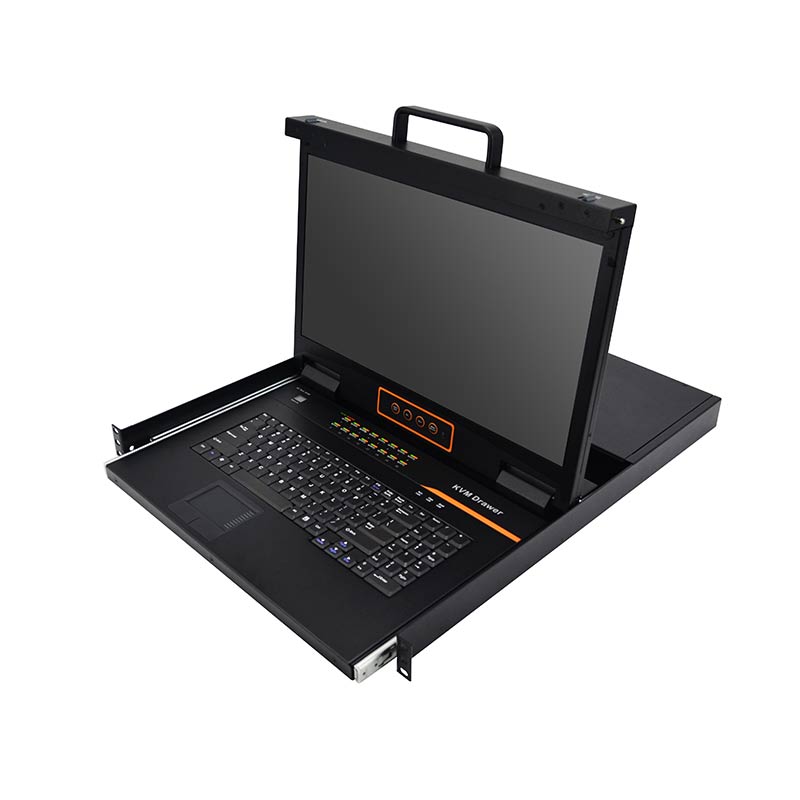
The HT1108 1-Local/1-Remote Access Cat5 8 port KVM over IP Switch is an ideal solution for centralized server management. It allows one local user and one remote user to control up to 8 computers simultaneously through a single console. With browser-based remote access, users can securely manage connected servers from anywhere over a LAN, WAN, or the Internet, while maintaining BIOS-level access for system maintenance, troubleshooting, and recovery.
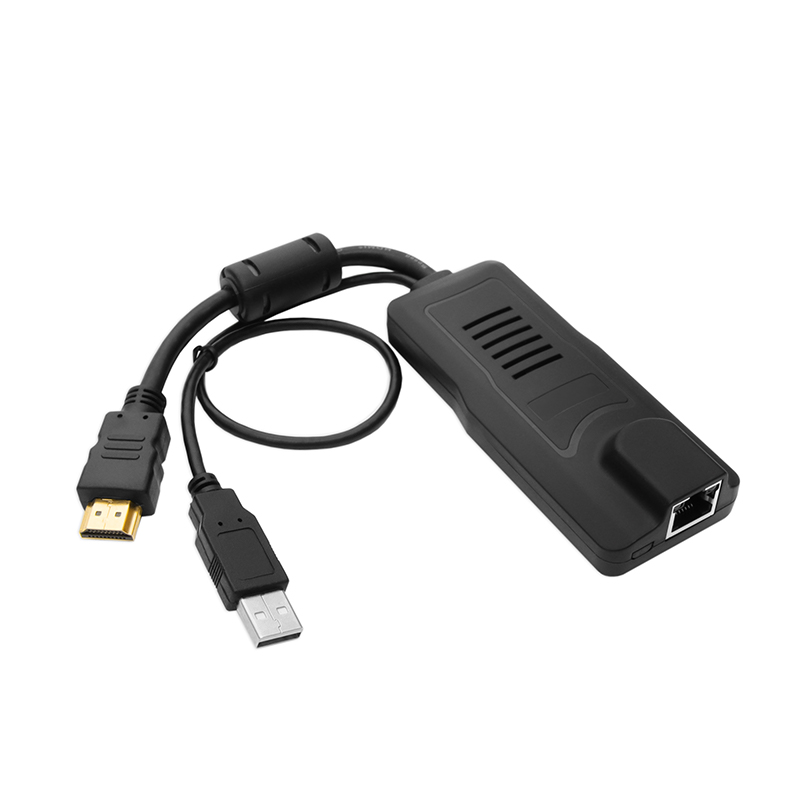
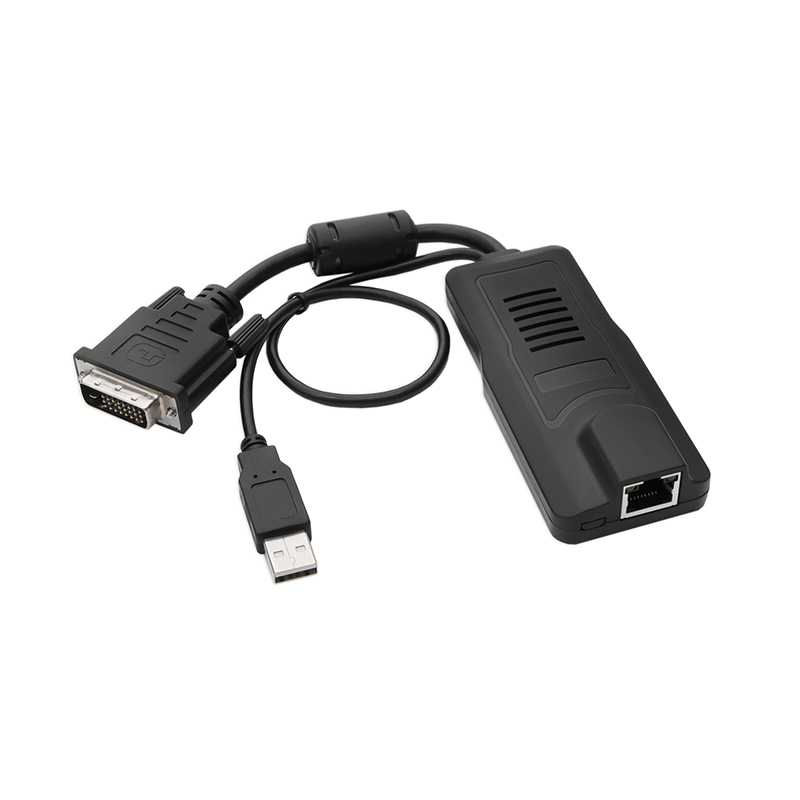
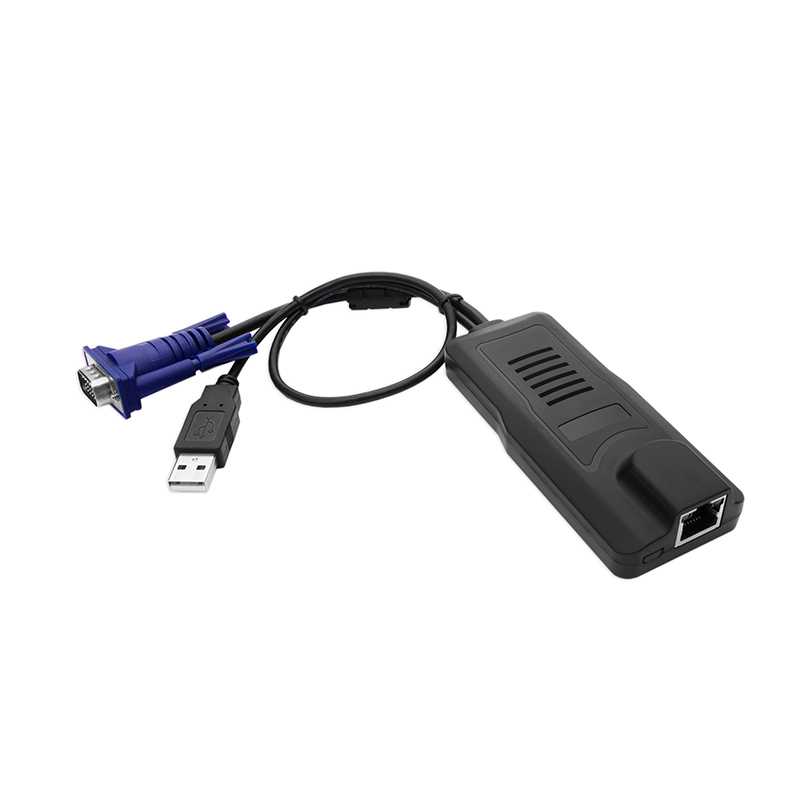
Installation is simple and requires no software configuration. Just connect the corresponding cables to the KVM switch and its modules to start operation. The switch connects to servers through compact RJ-45 interfaces using Cat 5e/6/7 cables, supporting transmission distances of up to 40 m while providing reliable and stable performance.
The HT1108 supports servers equipped with VGA, DVI, HDMI, or DisplayPort video interfaces, making it suitable for a wide range of computing environments. Its compact 1U rackmount design helps save valuable rack space while simplifying deployment in server rooms and data centers.
Designed for both local and remote administration, the HT1108 enables IT administrators to efficiently manage servers from virtually anywhere. In addition to browser-based access, a Windows client is available for remote management. Kinan also provides an optional IP receiver, allowing users to switch freely between local and remote computers without accessing the device through a web browser.
Hardware Features
This KVM over IP switch is rackmountable in 1U system rack.
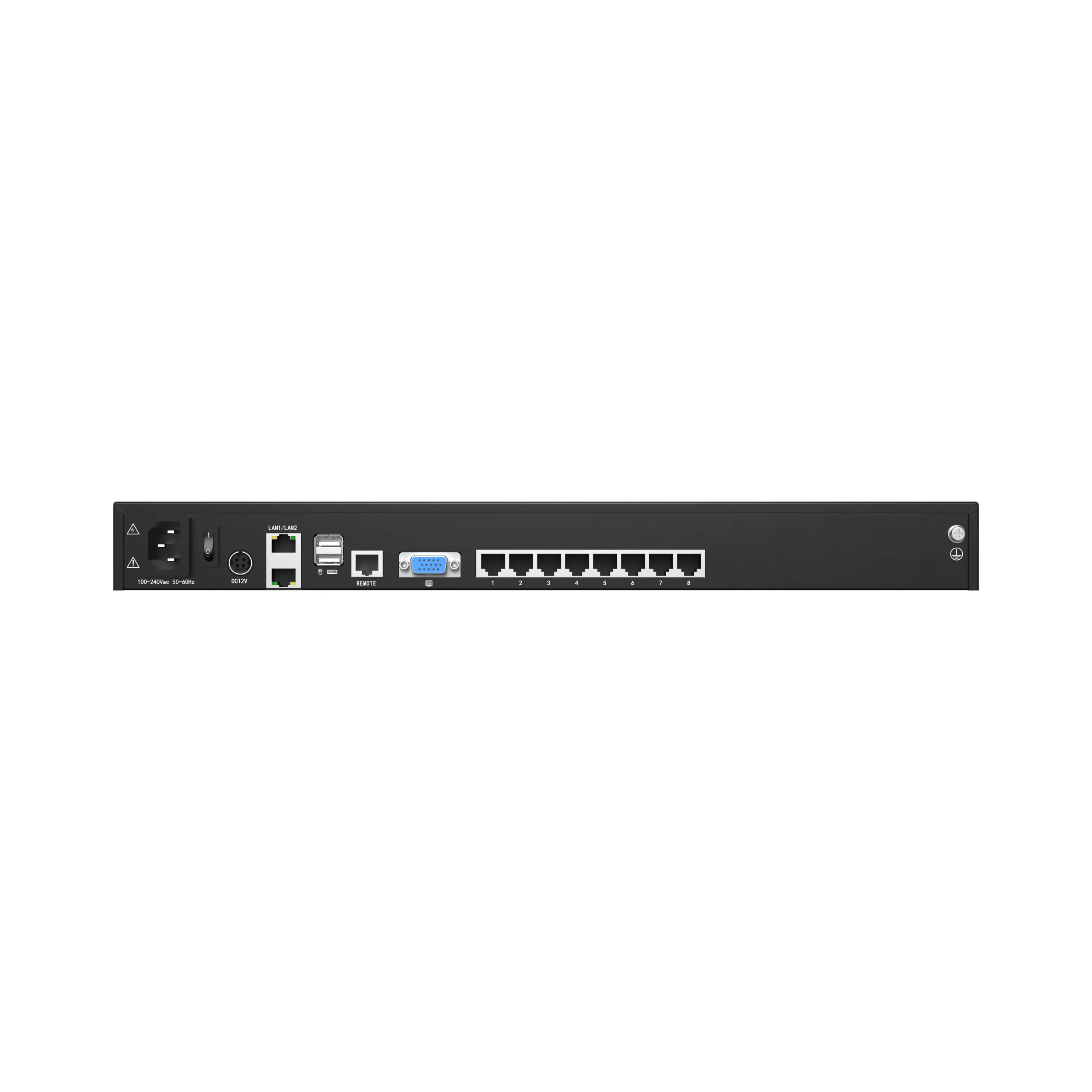
Connect to a server or computer via standard RJ-45 connectors and Cat5e/6/7 cables. (Standard Cat5 connection).
The IP KVM switch can be managed from an external console via an external VGA, keyboard, and mouse port.
One bus for IP KVM remote access.
Dual power supply.
Hardware Features
This KVM over IP switch is rackmountable in 1U system rack.
Connect to a server or computer via standard RJ-45 connectors and Cat5e/6/7 cables. (Standard Cat5 connection).
The IP KVM switch can be managed from an external console via an external VGA, keyboard, and mouse port.
One bus for IP KVM remote access.
Dual power supply.
Local Console
Allows users to control up to 8 computers from a single console.
The port share mode allows 1 local user and 1 remote user to gain access to a server simultaneously.
Supports user-friendly switching methods like browser-based UI interface, hotkeys and pushbuttons.
Support VGA/DVI/HDMI/DP-port servers.
Supports multiplatforms such as Windows, Linux, Unix, Mac, Solaris (Sun), Redhat, Ubuntu,etc.
Local Console, Browser, and AP GUIs offer a unified multilanguage interface.
Supports up to 1920×1080@60Hz.
Support automatic synchronization of the local and remote mouse movements.
EDID information for local console display can be stored in the host module for video resolution optimization.
Keyboard and mouse emulation can ensure the normal booting.
Support auto scan to monitor the user-selected computers.
Allows users to add or remove computers without having to power off the switch becasue the switch is hot-pluggable.
Local Console
Allows users to control up to 8 computers from a single console.
The port share mode allows 1 local user and 1 remote user to gain access to a server simultaneously.
Supports user-friendly switching methods like browser-based UI interface, hotkeys and pushbuttons.
Support VGA/DVI/HDMI/DP-port servers.
Supports multiplatforms such as Windows, Linux, Unix, Mac, Solaris (Sun), Redhat, Ubuntu,etc.
Local Console, Browser, and AP GUIs offer a unified multilanguage interface.
Supports up to 1920×1080@60Hz.
Support automatic synchronization of the local and remote mouse movements.
EDID information for local console display can be stored in the host module for video resolution optimization.
Keyboard and mouse emulation can ensure the normal booting.
Support auto scan to monitor the user-selected computers.
Allows users to add or remove computers without having to power off the switch becasue the switch is hot-pluggable.
Remote Console
Supports 2 LAN ports (LAN1: 100Mbps, LAN2: 1000 Mbps) network.
WEB browser-based or kvmCtrlEN remote management.
It supports up to 1920×1080@60Hz.
BIOS-level access.
Allow adjusting video quality and video tolerance to optimize data transfer speed. (Data transfer speed is up to 30 FPS.)
Full screen or scalable video display.
Remote users and local users can control the same server/computer synchronously.
Support AES encryption.
Support audit function-allows the administrator to audit the device through the system log and operation log.
Exit Macros support.
Configurable user and group permissions for server access and control.
Supports HTTPS to ensure encrypted and secure remote access.
Support strong password.
Support firmware upgrade.
Remote Console
Supports 2 LAN ports (LAN1: 100Mbps, LAN2: 1000 Mbps) network.
WEB browser-based or kvmCtrlEN remote management.
It supports up to 1920×1080@60Hz.
BIOS-level access.
Allow adjusting video quality and video tolerance to optimize data transfer speed. (Data transfer speed is up to 30 FPS.)
Full screen or scalable video display.
Remote users and local users can control the same server/computer synchronously.
Support AES encryption.
Support audit function-allows the administrator to audit the device through the system log and operation log.
Exit Macros support.
Configurable user and group permissions for server access and control.
Supports HTTPS to ensure encrypted and secure remote access.
Get Your KVM Switch Solution from A Reliable Supplier.
Our team of KVM specialists is available to assist you with your inquiries and KVM needs. We ensure vertical integration for all your OEM&ODM projects, from KVM product design to manufacturing and testing.